



Summary
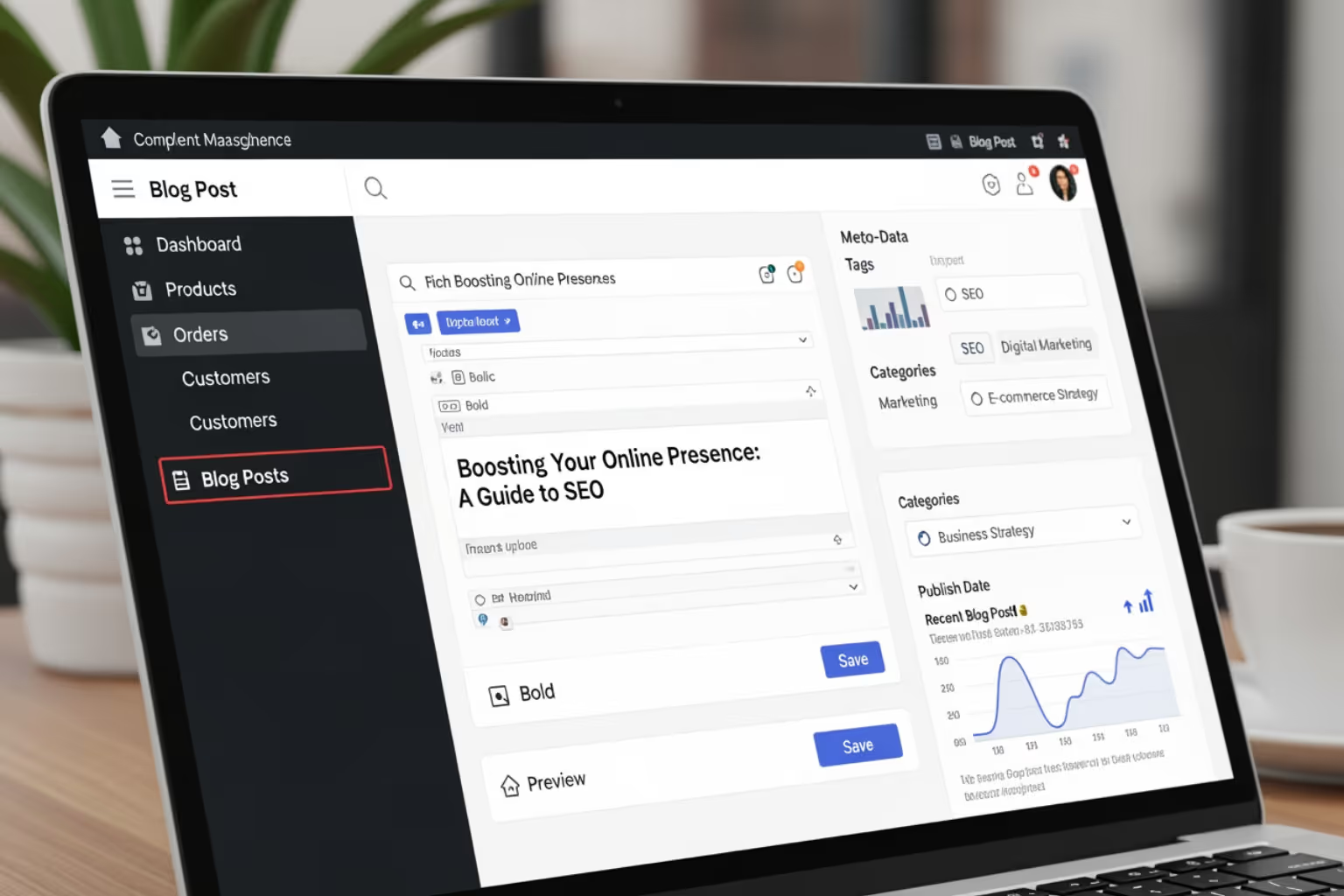
- The Shopify blog feature is a built-in area in your store for publishing and managing articles.
- Blog posts use a dated article structure with comments and feeds, while standard pages stay mostly static.
- Publishing focused articles can increase search traffic, improve internal linking, and support product discovery.
- The native blog editor covers the basics, and third-party apps can add more layout, editing, and SEO controls.
- Effective use of the blog combines clear topics, product references, and consistent on-page SEO work.
Why the Shopify Blog Feature Matters for Your Growing Store
The shopify blog feature is a built-in content management system that lets you publish articles to engage customers and bring in more organic traffic.
- Included with your store: Every Shopify store includes a native blog feature at no extra cost.
- Search coverage: Blog content gives you a place to target keywords your product and collection pages are not built to cover.
- Customer engagement: You can explain how your products fit into real use cases and answer common questions in depth.
- Time-based content: Blogs show articles in reverse chronological order and support comments, which makes them better suited for ongoing updates than static pages.
- Direct product ties: Posts can link directly to product and collection pages so readers can move from reading to buying without extra steps.
Here at First Pier, we see the blog as part of the sales funnel, not a side project. Most store owners put their time into product pages and paid ads. That work matters, but it often leaves a gap at the top of the funnel where buyers are still learning and comparing options.
On client stores, we use the blog to:
- Bring in visitors on informational searches like "how to clean a cast iron pan" instead of only "buy cast iron skillet".
- Send those visitors to the right products with clear internal links, comparison tables, and "shop this setup" sections.
- Earn backlinks from other sites that prefer linking to a useful article rather than a product page.
The native blogging engine is not as flexible as a platform like WordPress, but it is already part of your store. There is no separate hosting, theme, or login to manage. For many stores, that tradeoff is worth it.
I'm Steve Pogson. For about two decades, I have helped teams grow their Shopify stores by using every practical tool that fits the job, including the blog. Here at First Pier, we have watched well-structured blog content steadily increase traffic and revenue over years, not weeks.
How a Shopify Blog Differs from a Standard Website
A Shopify blog is different from the static pages on your site, like an "About Us" or "Contact" page. It is built around articles that you add and update over time. The key differences are:
- Reverse chronological order: Newer articles sit at the top of the list so returning visitors see recent activity without hunting for it.
- Article-based structure: The blog is organized around individual posts, which you can tag and group by topic to help readers move between related pieces.
- Comment functionality: Readers can leave comments, which helps you see what people are still confused about and gives you input for future posts.
- Atom feed syndication: An automatic Atom feed lets readers and some third-party tools subscribe to your updates and pull them into their own systems.
- Integration with store search: Blog articles appear in your store's search results, which means a search for "returns" might show both your policy page and a post explaining how returns work.
A Shopify blog is where you explain your products, show real-world use, and cover topics that do not fit on a product detail page. You can manage multiple blogs for different content tracks, such as education, news, or press features. For specific setup steps, the Shopify Help Center | Blogs has up-to-date reference docs.
Core Benefits of Using the Shopify Blog Feature
Using the shopify blog feature offers several core advantages:
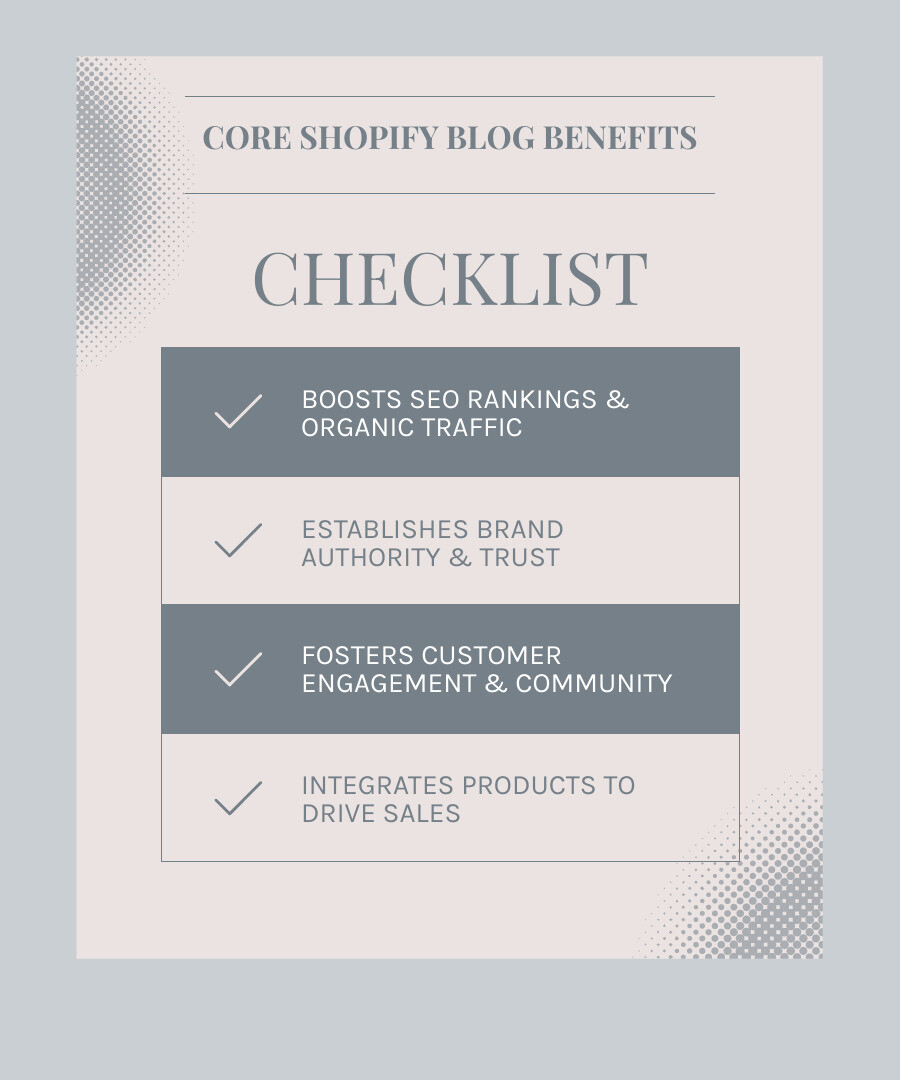
- Search performance: Each post is a chance to rank for new search terms. Consistent, focused blogging can help your store show up for queries that product pages alone rarely reach.
- Steady organic traffic: Ranking for relevant search terms brings in visitors who are already looking for information related to your products. In our work, these visitors often convert later through email or remarketing.
- Lead generation: Useful posts give you a logical place to add email signup forms, downloadable guides, or quiz links, which turn readers into contacts you can follow up with.
- Authority in your niche: Writing about the details of your niche, from materials to maintenance to buying criteria, shows that you understand the space and are not just reselling whatever is available.
- Story and proof: Your blog is a place to share how you design, source, test, and support your products, as well as real customer stories. This gives context that does not fit in a short product description.
Used this way, a blog becomes a working part of your marketing system instead of an extra page that rarely gets updated.
How to Create and Manage Content with the Shopify Blog Feature
The shopify blog feature is integrated into your store's admin panel, making content management straightforward.
Step-by-Step: Adding a New Blog and Your First Post
Here is a simple process for adding a new blog and your first post:
- Go to the Blog Section: In your Shopify admin, go to Online Store > Blog Posts.
- Add a New Post: Click Add blog post to open the editor.
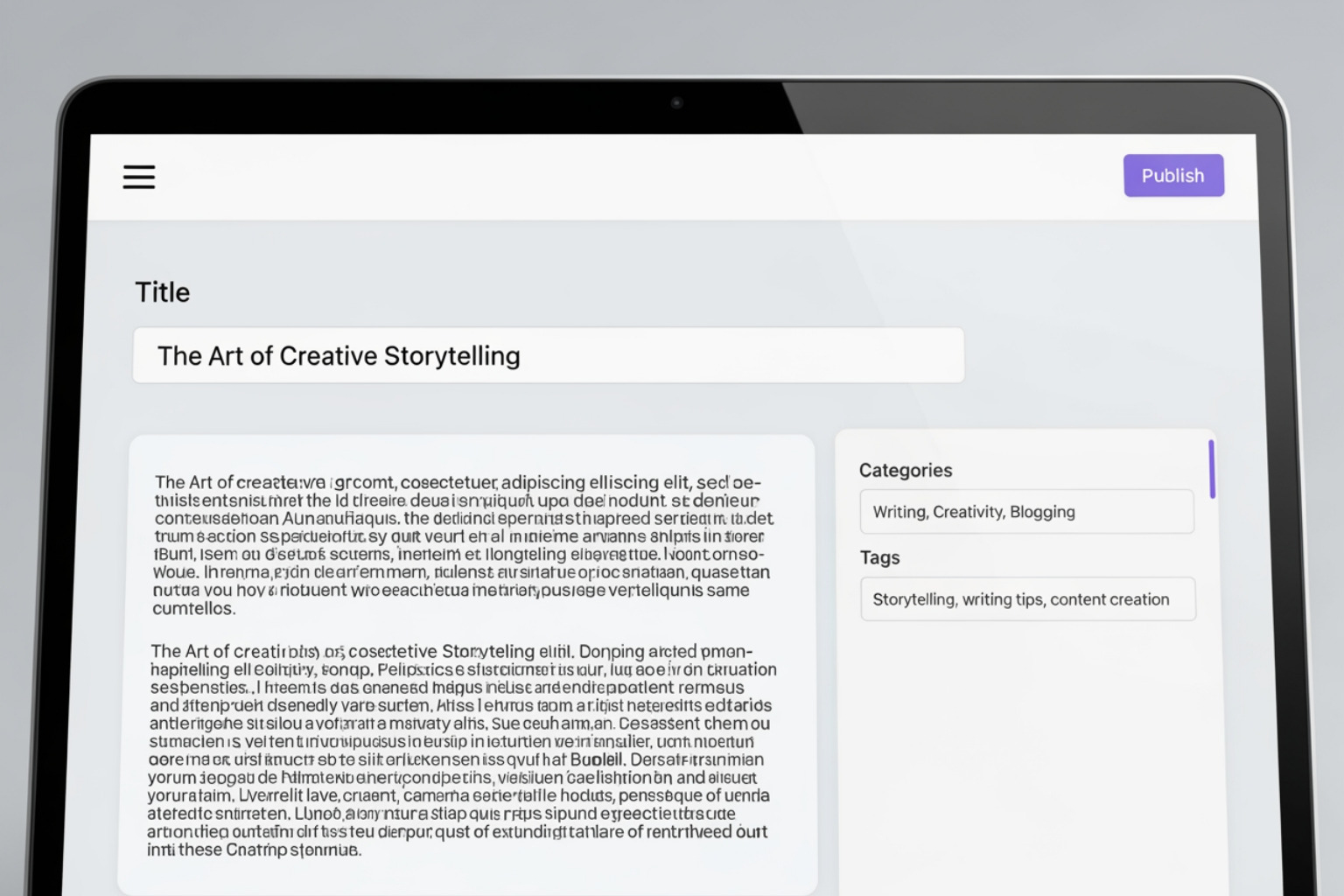
- Write Your Post: Add a title and write your article in the Content field. Use the rich text editor for formatting.
- Organize Your Post: In the Organization section, select an existing blog or choose Create a new blog to make a new one. You can also select the post's author.
- Add a Featured Image: Upload a representative image in the Featured image section. JPEGs work well.
- Set Visibility: Choose to publish immediately, hide the post, or schedule it for a future date.
- Edit SEO Settings: In the Search engine listing preview, click Edit website SEO to customize the page title, meta description, and URL. This is a critical step for search visibility.
- Add Tags: Use the Tags section to add keywords that categorize your post and help readers find related content.
- Save: Click Save to finish.
You can find more detailed instructions on Creating a new blog post from Shopify's documentation. For information on setting up multiple blogs, see Add a blog .
Managing Your Blog Posts: Editing, Tags, and Excerpts
Efficient management is important as your blog grows:
- Editing Content: To edit a post, go to Online Store > Blog Posts, click the post title, make your changes, and save. Regularly reviewing content is good practice.
- Hiding and Deleting Posts: You can change a post's visibility to "Hidden" or delete it permanently. Deletion cannot be undone.
- Using Tags: Tags are keywords that help organize your posts. They help readers and search engines understand and navigate your content.
- Creating Excerpts: An excerpt is a short summary shown on your main blog page. Write a compelling one to encourage readers to click through to the full article.
- Scheduling Posts: Shopify lets you schedule posts for a specific date and time. This is useful for planning content around campaigns or maintaining a consistent schedule.
For a comprehensive guide on these tasks, refer to Shopify's documentation on Adding and managing blog posts .
Strategies for Effective Shopify Blog Content
A good content plan is what makes a Shopify blog successful. This means understanding your audience, planning your content, and making it visible.

A solid plan starts with keyword research to find what your customers are searching for. An editorial calendar then helps you plan and publish content consistently, which is important for both readers and search engines. If you need help with this, here at First Pier, we offer More info about SEO services to help you define your content plan.
Popular Blog Post Formats for E-commerce
Using a mix of post formats keeps your blog interesting and serves different needs. Here are some popular formats for e-commerce:
- Gift Guides: These are great for driving sales around holidays. They help you rank for gift-related searches and can be shared easily.
- How-To Articles: These posts solve customer problems and establish your expertise. You can feature your products in the steps or materials list.
- Product Roundups: These posts group products around a theme, like "15 Ways to Organize Your Pantry." They are an effective way to feature multiple products.
- Interviews: Interviewing an expert or customer provides fresh content and can expand your reach when the interviewee shares the post.
- Behind-the-Scenes Stories: Sharing your company's origin or process helps humanize your brand and build trust.
Shopify's documentation on Understanding blog posts provides more ideas for these formats.
How to Feature Products in Your Blog Posts
A key benefit of the Shopify blog is driving sales directly from your content. Here's how to feature products effectively:
- Embedding Product Links: The simplest way is to link text directly to product pages within your article.
- Creating "Shop the Post" Sections: Add a section with a curated list of the products mentioned in the article to make shopping easy.
- Using Tags to Associate Products: Some themes can be customized to show products based on the tags you use on a blog post. This dynamically displays relevant items but requires theme development.
- Using Metafields for Related Products: Metafields offer the most control. You can create a custom field on your blog posts to specify exactly which products to show. This is an advanced customization that usually requires a developer. Here at First Pier, we specialize in More info about Shopify development and can help implement this.
By placing products in your blog content, you create a clear path to your product pages and also strengthen your internal linking for SEO.
Best Practices for Shopify Blog SEO
To drive traffic, your blog needs to be optimized for search engines. Here are the key best practices:
- On-Page SEO: This refers to optimizing elements on your blog post page.
- Descriptive Page Titles: Your title is a key SEO element. Include your main keyword and keep it under 70 characters.
- Meta Descriptions: A good meta description encourages clicks from search results. Include your keyword and a call to action, and keep it under 320 characters.
- Custom URL Handles: Edit the default URL to be short, descriptive, and include your keyword (e.g.,
/blogs/news/best-winter-coats). - Image Alt Text: Write descriptive alt text for all images. This helps search engines and improves accessibility.
- Internal Linking: Link between related blog posts and to relevant product and collection pages. This helps users navigate your site and improves SEO by showing search engines how your content is related.
- Mobile Responsiveness: With 54% of visitors on mobile, your blog must be responsive. A poor mobile experience can hurt your rankings. Most Shopify themes are responsive, but you should always test your site.
- Content Quality: Google rewards high-quality, valuable content. Write well-researched articles and use headings, lists, and short paragraphs to make them easy to read.
Following these practices builds a strong foundation for your blog's visibility. You can edit your blog's search engine listing by following the steps in Editing a blog's search engine listing.
Limitations and Solutions for the Shopify Blog
The native shopify blog feature is a solid tool, but it has limits. Knowing those limits helps you plan the right setup for your content.
| Feature | Native Shopify Blog | App-Improved Blog (e.g., Bloggle) |
|---|---|---|
| Editor | Basic rich text editor, limited formatting | Drag-and-drop builder, advanced formatting, templates |
| SEO Tools | Basic meta title/description, URL editing | Advanced SEO scoring, keyword research integration |
| Layouts | Theme-dependent, minimal customization | Flexible layouts, sidebars, custom product sections |
| Content Mgmt. | Standard post management, no advanced features | Improved organization, auto product updates, CTAs |
| Analytics | Relies on external tools (e.g., Google Analytics) | Built-in analytics, performance tracking |
Common Limitations of the Native Shopify Blog Feature
The native blog covers the basics but falls short when you treat content as a major traffic and revenue source.
- Basic rich text editor: The editor is fine for standard formatting, but you cannot easily build complex layouts like comparison grids, multi-column sections, or reusable content blocks without custom code.
- Limited layout options: Your blog's layout is tightly tied to your theme. Any major layout change usually needs liquid and CSS work, which you then have to keep in sync with future theme updates.
- No advanced content workflows: There is no version history, no built-in approval flow, and no way for several writers to work on drafts with tracked changes. Once you save changes, the previous version is gone.
- Comparison to dedicated platforms: Compared to a content-first platform like WordPress, Shopify's blog has fewer purpose-built tools for large editorial teams, plugins for editorial calendars, or complex custom post types. Here at First Pier, we often keep content inside Shopify for stores where commerce comes first, and only recommend an external blog when the editorial needs clearly outweigh the benefit of keeping everything under one roof.
These limits do not mean the native feature is a bad choice. They just define where you might add to it with apps or custom work.
Improving Your Blog with Third-Party Apps
Shopify's app store offers tools that sit on top of the native blog to fill these gaps. These apps add features geared toward teams that publish often and care about layout and testing.
Many of these apps provide:
- Drag-and-drop builders: Build richer post layouts with sections, columns, and reusable content blocks without writing code.
- Detailed SEO helpers: Get structured feedback on headings, word count, keyword placement, and internal links while you write.
- Post templates: Save layouts for common article types, such as gift guides or how-to posts, so your team does not rebuild the same structure every time.
- Email marketing integration: Drop in signup forms from services like Klaviyo directly into posts or "content upgrades" without copying embed code each time.
- Stronger product integration: Show products in configurable carousels or grids, and in some cases keep pricing and availability in sync automatically across posts.
Here at First Pier, we usually start with the native blog. When a client needs more advanced layouts or content workflows and wants to stay inside Shopify, we often test apps like Bloggle. You can Try Bloggle for Free to see whether the added control justifies the extra cost and setup for your team.
Examples of Successful Shopify Blogs
Looking at successful examples is a great way to see the potential of the shopify blog feature. Good Shopify blogs build communities and tell brand stories, not just sell products.
These examples show strong brand storytelling, community building, and a solid content-to-commerce model, guiding readers from content to purchase. Shopify itself features 8 Brilliant Blogs Run by Ecommerce Stores that provide excellent examples.
Case Study: Partake Foods
Partake Foods uses its blog to connect with a niche audience: people with food allergies. Their approach is effective because:
- Niche Audience (Food Allergies): They directly address the needs of their target customers, which builds relevance and trust.
- Recipe Sharing: By providing valuable content like recipes, they are useful beyond just selling products.
- Building Trust: Sharing useful information establishes Partake Foods as a trustworthy authority in its community.
Their approach on the Partake Foods blog shows how content can support a brand's mission and connect with customers.
Case Study: Epic Gardening
Epic Gardening is a great example of a blog-first business model, where the business started as a blog and expanded into e-commerce.
- Establishing Expertise: The founder built a large audience by sharing in-depth gardening tips, making the blog a go-to resource.
- Branching into E-commerce: With an established audience, the business expanded to sell related products. The blog's trusted content drives traffic and sales.
This shows a blog can be the foundation of a business, not just a marketing channel.
Frequently Asked Questions about the Shopify Blog Feature
Here are answers to common questions about the shopify blog feature.
Can you have more than one blog on Shopify?
Yes. Shopify lets you create multiple blogs, which is useful for organizing your content. For example, you could have separate blogs for:
- Company news and updates.
- How-to guides related to your products.
- Interviews with experts or customers.
Separating content helps customers find what they're looking for. You can create new blogs from your Shopify admin by following the steps at Adding a new blog in Shopify.
Is the Shopify blog good for SEO?
Yes, the Shopify blog is good for SEO. Its integration with your store offers several advantages:
- Built-in SEO Tools: Shopify provides fields to customize page titles, meta descriptions, and URLs for each post.
- Content Marketing: The blog is a place to create content that targets long-tail keywords and answers customer questions, attracting organic traffic.
- Quality Content: Search engines reward high-quality content. A blog with consistently good articles will perform better in search.
- Internal Linking: You can link from blog posts to your product pages and other articles, which strengthens your site's SEO.
In my experience, a consistent and well-optimized Shopify blog can significantly increase a store's overall SEO performance.
Can I use my existing blog with Shopify?
Yes, you can connect an existing blog from another platform like WordPress, Tumblr, or Blogger. There are two common ways to do this:
- Linking from Navigation: The simplest way is to add a link to your external blog in your store's navigation menu. You can do this in the Online Store > Navigation section of your admin. Shopify's documentation explains how to Adding an external link to navigation.
- Using a Subdomain: A more integrated approach is to host your blog on a subdomain like
blog.yourstorename.com. This keeps your blog under your main domain but requires changing DNS settings.
The best choice depends on your setup and technical comfort level.
Conclusion
The shopify blog feature is a practical asset for any e-commerce business. It can help bring in search traffic, explain your products, and support long-term customer relationships.
The native features cover the basics, and third-party apps can add more advanced tools when you need them. The examples of Partake Foods and Epic Gardening show two different paths: one where a store adds a focused blog to support a clear mission, and one where a blog grows into a store.
Here at First Pier, we use the blog feature when it fits the job: to answer real customer questions, to support product discovery, and to build a more complete picture of a brand than product pages can provide on their own. If you want to make better use of your Shopify store, it is worth asking where a clear, well-planned blog could fill gaps in your current marketing. To see more ways we can help with your Shopify store, visit our resources page to Explore more Shopify features.





.png)
.png)

