


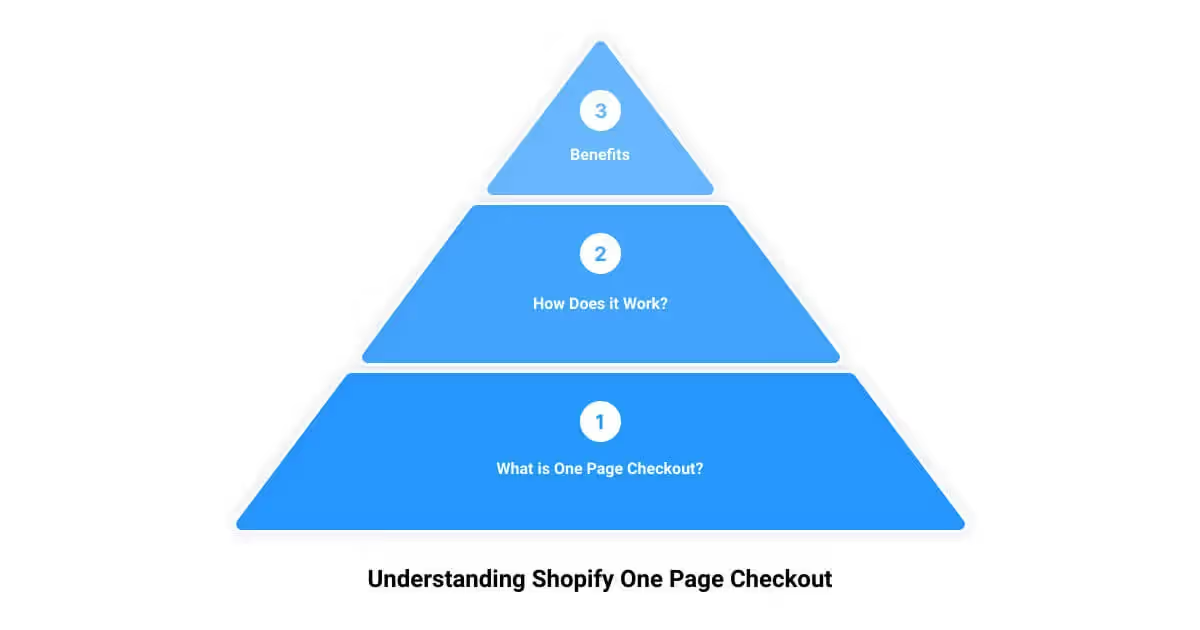

Shopify's one-page checkout condenses the entire purchase — contact details, shipping address, delivery method, and payment — onto a single screen instead of spreading it across separate steps. The aim is fewer page loads, less friction, and fewer abandoned carts. Since its general rollout it has become the standard checkout for Shopify stores rather than something a merchant switches on, so most stores already use it.
This guide covers what one-page checkout is, how Shopify's version works, the express payment methods it supports, how it can be customized, and what actually moves checkout conversion — separate from the layout itself.
What a one-page checkout is
A one-page checkout presents every field needed to complete an order on one page: cart summary, contact information, shipping address, shipping method, and payment. A traditional multi-step checkout splits those across separate pages the shopper clicks through in sequence. Collapsing them removes page loads and lets a buyer see the whole process at once, which tends to reduce the drop-off that happens between steps.
How Shopify's one-page checkout works
Shopify's version keeps the single-page layout readable by collapsing each completed section into a short summary as the buyer moves down the page, so the screen stays focused on the next action rather than becoming one long scroll. Order details, pricing, and shipping options stay visible for review, and standard analytics and tracking continue to work as before, so funnel reporting is unaffected.
One-page checkout is now Shopify's default checkout, having replaced the older three-page flow for most stores. Because availability and any remaining layout settings differ by plan and change over time, the current options live in the store's Shopify admin under Settings then Checkout, and Shopify's checkout documentation is the source of truth for what each plan can adjust.
Express and accelerated payment options
Much of the speed advantage comes from accelerated payment methods that skip manual data entry. Shopify's checkout supports several:
- Shop Pay — Shopify's own accelerated checkout. Once a shopper saves their details with Shop Pay, future purchases across any Shop Pay store can be completed in a few taps, and each Shop Pay order earns the customer 1% back through Shop Cash.
- Apple Pay and Google Pay — wallet options that let mobile shoppers pay with stored credentials, which matters because a large share of ecommerce traffic is on phones.
- PayPal and Amazon Pay — familiar third-party wallets that let buyers use an existing account rather than typing card and address details.
Offering accelerated options alongside standard card entry gives shoppers a faster path without forcing one method on everyone.
Customizing the checkout
The one-page checkout supports the same branding controls as the previous layout — logo, colors, typography, and background — set in the checkout editor so the page matches the rest of the store. The wording of labels across the shipping, billing, payment, and review sections can be edited and translated, which helps stores selling in more than one language or wanting a specific tone.
Deeper customization — custom fields, upsells, and logic at checkout — is available to Shopify Plus stores through checkout extensibility, Shopify's app-based system for modifying the checkout. Because that capability is tied to plan level and evolves, the Shopify admin and developer documentation define what is currently possible.
What actually moves checkout conversion
A single-page layout removes one source of friction, but checkout conversion depends on more than the number of pages. The factors that consistently matter include offering the payment methods a store's customers expect, showing shipping costs early rather than as a surprise, keeping required fields to a minimum, and making the total — including shipping and tax — clear before the final click. Unexpected costs and forced account creation are among the most common reasons shoppers abandon a cart, and neither is fixed by layout alone.
The practical approach is to treat the checkout as one stage of a broader conversion process and test changes against real data rather than assuming any single feature lifts sales. A structured approach to that testing is covered in the guide to conversion rate optimization for Shopify.
When it matters, and when it doesn't
For most stores the one-page checkout is simply the current default, so the relevant question is not whether to use it but how to optimize within it: which payment methods to enable, how to present shipping, and what to test. The layout helps most where checkout abandonment is already a problem and the previous multi-step flow was adding friction. It does less for a store whose drop-off happens earlier — on product or cart pages — where the fix belongs upstream rather than at checkout. Weighing checkout quality when choosing a platform is reasonable, and it is part of the broader case covered in why merchants choose Shopify.
Frequently asked questions
What is Shopify one-page checkout?
It is a checkout that places every step of a purchase — contact, shipping, delivery method, and payment — on a single page instead of across multiple pages. Completed sections collapse into summaries as the buyer progresses, keeping the page focused. It is now Shopify's standard checkout for most stores.
Is one-page checkout better than a multi-step checkout?
For most stores it reduces friction by removing page loads and letting buyers see the whole process at once, which can lower mid-checkout drop-off. The size of the effect varies, and it does not address abandonment caused by unexpected shipping costs or required account creation. It is best treated as one improvement among several rather than a guaranteed conversion lift.
Can the Shopify checkout still be customized?
Yes. Branding such as logo, colors, and fonts, along with the wording of section labels, can be edited in the checkout editor, including translations. Shopify Plus stores can go further with checkout extensibility, adding custom fields, upsells, and logic through apps. The available options depend on plan level.
Does one-page checkout work on all Shopify plans?
One-page checkout rolled out as the default across Shopify plans. Some advanced customization options remain specific to Shopify Plus. Because availability and settings change over time, the Shopify admin and Shopify's documentation are the place to confirm what a given store can do.
How can checkout conversion be improved on Shopify?
Offer the payment and wallet options customers expect, show shipping costs early, minimize required fields, allow guest checkout, and make the full total clear before the final step. Then test changes against real data rather than assuming any one feature lifts sales.
First Pier is an ecommerce agency in Portland, Maine that builds and optimizes Shopify and Shopify Plus storefronts. For help improving checkout and conversion on a store, get in touch.





.png)
.png)

