



For an online store, product photos do the job the physical product does in a shop: they're the only way a customer can judge what they're buying. That makes photography one of the highest-leverage things you control on a Shopify store — better images lift conversion more reliably than almost any copy change. The good news is that good ecommerce product photography no longer requires a studio or expensive gear. This guide covers how to shoot it yourself, how to optimize images for Shopify, and when it's worth paying a professional instead.
What makes product photography work for ecommerce
Three things separate photos that sell from photos that don't, and none of them is artistic flair:
- Clarity. The customer needs to see exactly what they're getting — accurate color, real texture, true proportions. A clean shot on a white background is the ecommerce standard precisely because it removes everything that isn't the product.
- Coverage. One photo isn't enough. Shoppers want front, back, sides, and close-ups of the details that matter (the stitching, the texture, the port, the label). Each angle answers a question that would otherwise stop a purchase.
- Consistency. When every product is shot the same way — same lighting, same framing, same background — the store looks professional and trustworthy. Inconsistent photos make even good products look amateur.
Lifestyle shots (the product in use, in context) have their place for building desire, but the white-background "packshot" is the workhorse that does the actual selling.
How to shoot product photos yourself
You can get professional-looking results with a phone and a window. The setup matters more than the camera.
Equipment
A modern smartphone camera is genuinely good enough for most products. Beyond that, the gear that actually changes results is cheap: a tripod (to keep shots sharp and consistent), a white background (poster board works, or a sweep for seamless edges), and white bounce cards (foam board) to reflect light back and kill shadows. A diffuser softens harsh light. None of this requires a real camera.
Lighting
Lighting is the single biggest factor in whether photos look professional, and natural light from a large window is the easiest way to get it right. Position the product near the window, use bounce cards on the shadow side to even out the light, and diffuse direct sun if it's harsh. Consistent, soft, even light is the goal — hard shadows and color casts are what make photos look amateur. If natural light isn't reliable, an inexpensive two-light setup with softboxes does the same job on demand.
Camera settings
If you're using a real camera (or your phone's manual mode), three settings control the result: aperture sets depth of field — a smaller opening keeps the whole product in focus, which is usually what you want for ecommerce; shutter speed controls brightness and motion (use a tripod so you can keep it slow without blur); and ISO controls sensitivity — keep it low for clean, noise-free images. On a phone, locking focus and exposure and shooting in good light handles most of this automatically.
Angles and consistency
Shoot every product through the same checklist: a straight-on hero shot, the back and sides, and close-ups of the details that drive the decision. Keep the framing, distance, and background identical across products so the catalog looks cohesive. Consistency is what separates a store that looks like a brand from one that looks like a flea market.
Optimizing photos for Shopify
Great photos still underperform if they're not prepared correctly for the platform.
Format and file size
Shopify supports JPEG, PNG, WebP, and others, and allows up to 250 media items per product depending on plan. The critical lever is file size: large images slow page loads, which hurts both conversion and SEO. Compress and resize images for the web — aim to keep them well under a few hundred KB without visible quality loss. WebP is the efficient default, and Shopify serves optimized versions automatically, but starting from a reasonably sized file matters.
Editing
Light post-processing makes a real difference: clean the background to true white, correct color so it matches the actual product, straighten and crop consistently, and remove dust or blemishes. The goal is accuracy, not glamor — a photo that oversells leads to returns and bad reviews.
Alt text and SEO
Every product image should have descriptive alt text. It improves accessibility, helps the image rank in Google Images, and gives search engines context about the page. Describe the product naturally and specifically (not "IMG_4821," and not keyword-stuffed) — keep it concise and genuinely descriptive.
DIY or hire a professional?
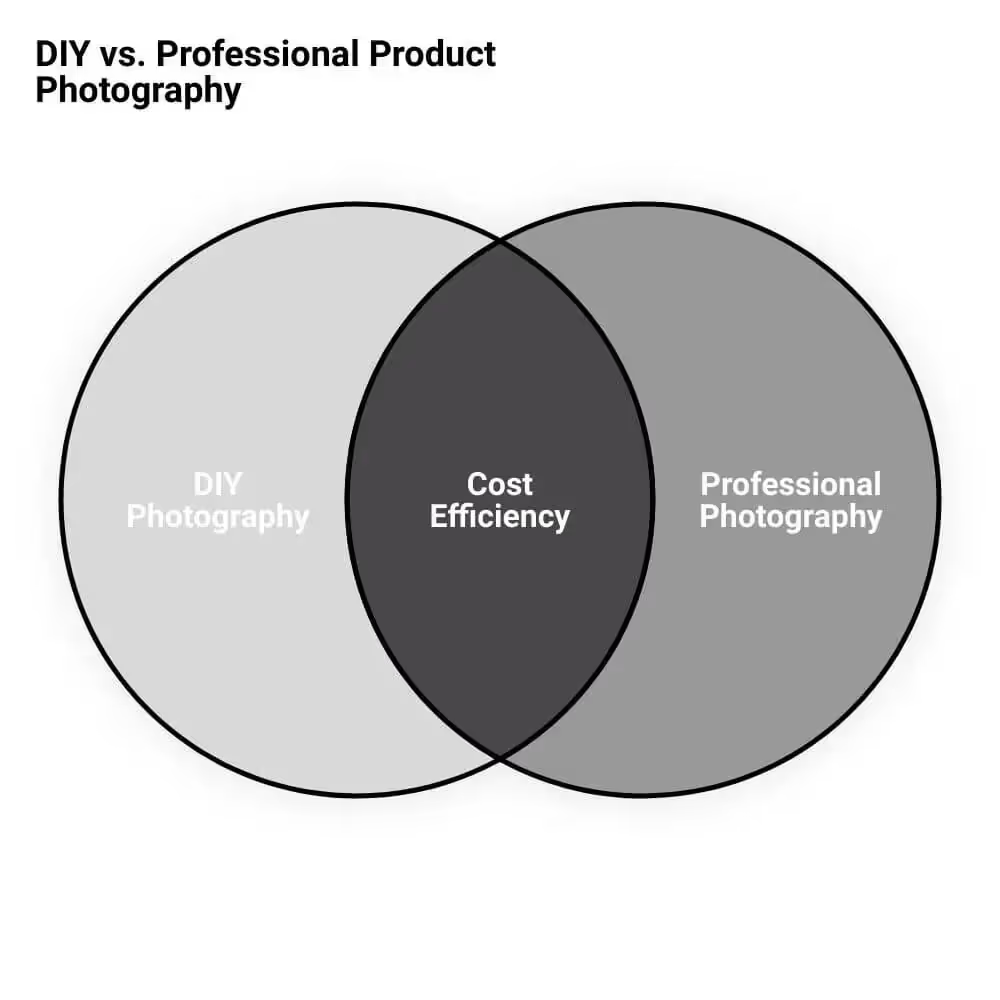
Professional product photographers typically charge somewhere around $100–$300 per hour, or per-image rates for high-volume catalog work. Whether that's worth it comes down to three factors: the complexity of your products, your time, and your volume. DIY makes sense for straightforward products when you have the time to learn the setup and shoot consistently. A professional is usually the better call when products are complex to shoot (reflective, transparent, jewelry, apparel on models), when your time is better spent running the business, or when you need a large catalog shot consistently and fast. Many stores do both: a pro establishes the look and shoots the hero range, and the team handles new arrivals in-house using the same setup. Photography is also one line in the broader cost of running a Shopify store worth budgeting for deliberately.
Frequently asked questions
How do I make my product photos look professional without a studio?
Use natural light from a large window, a tripod to keep shots sharp, a plain white background (poster board or a seamless sweep), and white bounce cards to fill in shadows. A modern smartphone is capable enough for most products. The setup and consistent, soft lighting matter far more than the camera — a careful window-lit shot beats an expensive camera used badly.
Why is product photography important for ecommerce?
Because online customers can't touch or try the product — the photos are the only basis for their buying decision. Clear, complete, consistent images replicate the in-person inspection a physical store allows, which directly affects whether someone buys. Good photography lifts conversion more reliably than most other changes you can make to a product page.
What are Shopify's image requirements?
Shopify supports common formats including JPEG, PNG, and WebP, and allows up to 250 media items per product depending on your plan. There's no strict size cap, but you should keep files small (well under a few hundred KB) so pages load fast, since slow images hurt both conversion and SEO. Each image also supports alt text for accessibility and search.
How much does professional product photography cost?
Professional photographers commonly charge around $100–$300 per hour, or per-image rates for catalog work, varying with product complexity, volume, and the photographer's experience. It's often worth it for complex products, large catalogs, or when your time is better spent elsewhere — but straightforward products can be shot well in-house with a modest setup.
What background is best for ecommerce product photos?
A clean white background is the ecommerce standard because it removes distractions and shows the product accurately, and it's what marketplaces and Shopify themes are designed around. Lifestyle backgrounds (the product in a real setting) are useful as secondary images to build desire and show scale, but the primary image should almost always be a clean white packshot.
The bottom line
Product photography is one of the highest-return things you control on a Shopify store, and good results no longer require a studio — a phone, a window, a tripod, and a white background get most products most of the way there. Shoot for clarity, cover every angle, keep it consistent, optimize file sizes for fast loading, and write real alt text. Bring in a professional when product complexity, catalog volume, or your own time makes it the better investment.
If you'd like help with product photography or optimizing your Shopify store's images, get in touch.





.png)
.png)

