


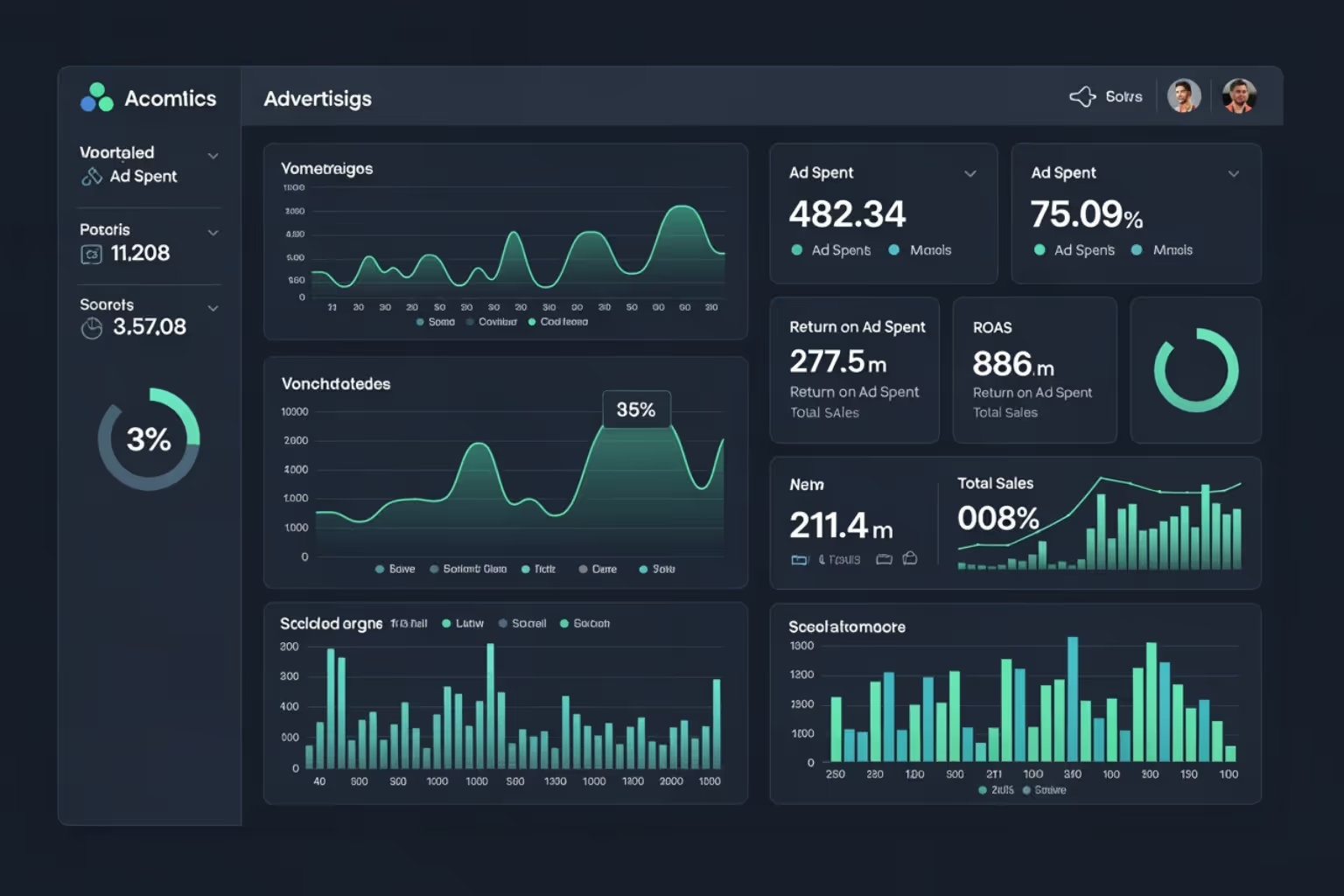

Why Running Paid Ads is Essential for Shopify Growth
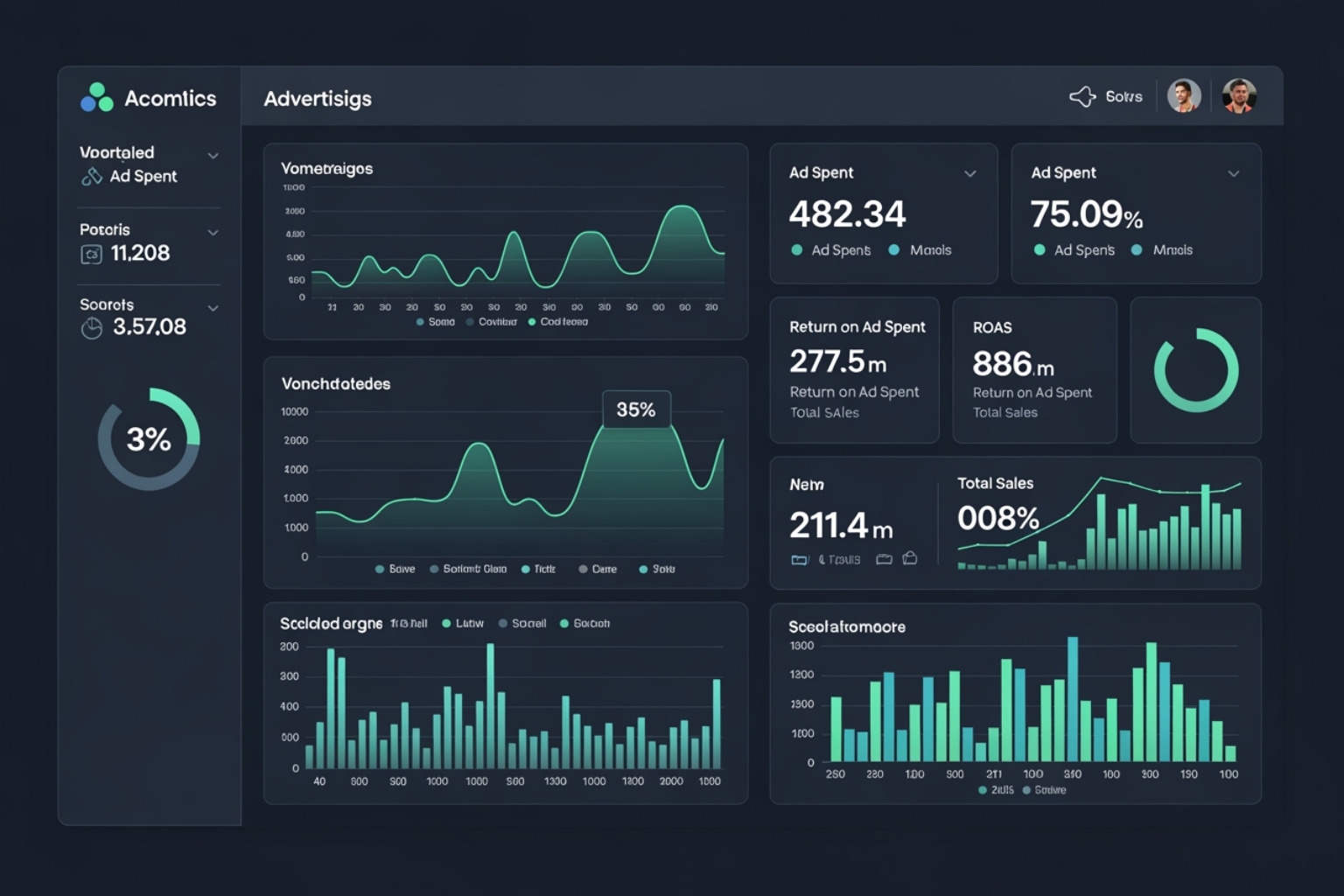
Summary
- Paid ads send new, targeted traffic to Shopify stores and support a full-funnel path from first visit to purchase.
- Google Shopping and Meta (Facebook/Instagram) are common starting points for most e-commerce stores.
- Conversion tracking requires the Meta Pixel and Google Tag so purchases can be measured and campaigns can be adjusted.
- A connected product feed keeps ad platforms updated with current Shopify catalog data.
- Ongoing monitoring focuses on return on ad spend, cost per acquisition, and conversion rate.
Setup Shopify Ads to drive targeted traffic to your store and turn browsers into buyers. Here is the working checklist we use here at First Pier:
- Pick channels that match intent - For most stores, start with Google Shopping (high intent) and Meta (prospecting and retargeting).
- Install tracking - Set up Meta Pixel and the Google Tag so purchases and key site actions record correctly.
- Connect your product feed - Sync your Shopify catalog so titles, prices, and availability stay current.
- Launch one campaign per channel - Start with a controlled daily budget you can afford to test with.
- Review weekly and make changes - Use return on ad spend, cost per acquisition, and conversion rate to decide what to pause, what to expand, and what to fix on-site.
Shopify advertising is not just paying for clicks. It is a full-funnel setup: you earn attention, bring qualified traffic to the right pages, and then follow up with retargeting for the people who did not buy on visit one.
Search traffic often converts better than general traffic because the shopper is already looking for something specific. That is why Google Search and Shopping campaigns are usually our first stop for Shopify brands that have clear product-market fit.
The other reality: most first-time visitors will not buy on their first session. If you are not running retargeting (paid social, display, or both), you are relying on a small slice of your traffic to carry the full revenue goal.
The rest of this guide walks through how to Setup Shopify Ads without wasting spend.

Setup Shopify Ads helpful reading:
Choosing the Right Advertising Platforms
When you Setup Shopify Ads, channel choice matters more than channel count. We look for two things: (1) where your buyers already spend attention and (2) what kind of intent the platform captures.
Google Search and Shopping Ads: This is often the first place we start for Shopify merchants because it captures high-intent shoppers, meaning people actively looking for what you sell.
- Google Search Ads: Text ads triggered by keywords. Useful for category terms, competitor comparisons (where allowed), and brand protection.
- Google Shopping Ads: Product listing ads with photo, price, and merchant name. For most product catalogs, Shopping is the cleanest path from query to product page.
- Performance Max: A feed-driven campaign type that can show across Search, Shopping, YouTube, Display, Find, Gmail, and Maps. It can work well, but it needs strong inputs (clean feed, real creative assets, and accurate conversion tracking) or it will drift.
Meta Ads (Facebook and Instagram): Meta is usually the second pillar because it is strong for prospecting and retargeting.
- Facebook Ads: Helpful for broad prospecting, retargeting site visitors, and building repeat purchase loops with existing customers.
- Instagram Ads: Better when product appeal is visual (apparel, beauty, home goods). Reels and Stories can work well when the creative looks native to the platform.
TikTok Ads: Best when you can make or source short videos that feel like real product use. If you cannot keep up with creative volume, performance usually drops.
Pinterest Ads: A fit for products people plan for (home decor, weddings, recipes, DIY, style). Pinterest users often save ideas first and purchase later, so expect longer conversion windows.
YouTube Ads: Useful for product demos, comparisons, and education-heavy products. It is also a common assist channel that helps branded search later.
SMS Marketing: Not an ad network, but it pairs well with paid traffic. If you are paying to bring people to the site, SMS can help recover carts and drive repeat orders, as long as you follow consent rules.
If you are unsure where to start, we usually recommend Google (intent) plus Meta (prospecting + retargeting), then expand based on what your reporting shows. For more detail on our approach, see our paid social services.
A Strategic Framework to Setup Shopify Ads
To Setup Shopify Ads in a way you can trust, start with the plumbing: catalog, tracking, and account connections. If those are wrong, the ad platform will still spend money, but you will not know what is working.
For Google, the core connector is the Google & YouTube app. It links Shopify with Google Merchant Center (your product data) and Google Ads (your campaigns). Before running Shopping or Performance Max, you will need to set up the Google & YouTube app on Shopify.
Once connected, you will mainly work in:
- Google Merchant Center for feed status, diagnostics, and product data issues.
- Google Ads for budget, bidding, search terms (for Search), and performance analysis.
Why Performance Max Can Work for Shopify
Performance Max can show ads across Google surfaces (YouTube, Display, Search, Find, Gmail, Maps). It can be a good option when:
- Your product feed is accurate (titles, pricing, availability, shipping).
- You have real creative assets (not just auto-generated combinations).
- Conversion tracking records purchases correctly.
One operational note that matters: product and store info should be maintained in Shopify. That is the source of truth for the feed. Campaign changes belong in Google Ads.
Steps to Setup Shopify Ads on Google
Pick one goal and one campaign type to startFor most Shopify stores, start with one of these:
- Shopping campaigns for direct product visibility.
- Performance Max when your feed is clean and you can supply good creative.
- Search campaigns for brand terms, key category terms, and product problems your catalog solves.
Set a test budget you can learn fromGoogle Ads can run on very small budgets, but you need enough spend to get conversion data. Start with an amount you can hold steady for two to three weeks. If you change budgets every day, learning resets and results get noisy.
Set targeting and basic controls
- Location: Only target where you actually ship.
- Devices: Start with all devices, then adjust once you have data.
- Audiences: Use them as observation first (especially in Search). For Performance Max, supply audience signals, but do not expect them to function like strict targeting.
Build ads from inputs you control
- Shopping: Your feed does the work. Fix titles, images, variants, and product types in Shopify.
- Search: Write ads that match the query and send traffic to the most relevant collection or product page.
- Performance Max: Provide multiple images, short videos if you have them, and clear copy. Do not rely only on auto-created assets.
Confirm conversion tracking before you judge resultsIf purchase tracking is wrong, you will chase the wrong winners. Check:
- Google Ads conversion action is recording purchases.
- Revenue values match Shopify orders.
- Consent settings (where required) are configured so reporting is not misleading.
Refine Your Strategy to Setup Shopify Ads
Launching is the start. The stores that win treat ads and site as one system.
Creative that matches how people shopRefresh creative on a schedule, not only when performance collapses. For many accounts, swapping in new images, angles, and offers every few weeks prevents stale results. If you want background on why presentation matters, this overview on Scientific research on visual merchandising is a useful reference.
Landing pages and checkout
- Keep pages fast. A slow product page wastes paid clicks.
- Keep message match: if the ad is about a specific product, do not land on the homepage.
- Make mobile the default experience.
- Offer guest checkout. Many shoppers will not create an account on a first order.
Prevent rising costs from audience burn
- Refresh a portion of your creative regularly.
- Use frequency caps where the platform allows them.
- Expand targeting carefully when you have consistent conversion tracking and stable creative.
This is the work we do here at First Pier: tighten tracking, tighten feeds, and run controlled tests so the budget goes where it earns its keep.
Using Shopify Audiences to Find New Customers
One of the most useful tools Shopify offers for targeted advertising is Shopify Audiences. This feature allows eligible Shopify Plus stores to use aggregated data from the Shopify network to create highly specific audience segments for their marketing campaigns.
What are Shopify Audiences?Shopify Audiences are pre-built, high-intent customer segments generated by Shopify's Network Intelligence. This system identifies patterns across millions of transactions within the Shopify ecosystem to create audiences that are likely to convert. Instead of guessing who your next customer might be, Shopify uses data to point you in the right direction.
Eligibility Requirements for Shopify Audiences:To use this feature, your store must meet specific criteria:
- Shopify Plus Plan: Shopify Audiences is exclusively available to eligible Shopify Plus stores.
- Shopify Payments: You must be using Shopify Payments as your payment gateway.
- Location: Your store must be based in the United States or Canada.
- Shopify Network Intelligence: You must have Shopify Network Intelligence activated. This is the engine that generates these smart audiences.
- Data Sharing Compliance: Before activating, you must verify your compliance with relevant privacy laws in the Data sharing section of your Shopify admin.
How to Setup Shopify Audiences:The process to Setup Shopify Audiences is straightforward:
- Activate Network Intelligence: Ensure Shopify Network Intelligence is activated in your Shopify admin. This is a prerequisite.
- Go to Audiences: From your Shopify admin, go to Apps > Audiences.
- Get Started: Click 'Get started' to review and agree to the terms and conditions.
- Verify Data Sharing: In the Data sharing section, confirm your compliance with privacy laws. This is a critical step for responsible data usage.
- Turn On: Click 'Turn on' to activate Shopify Audiences.
Once activated, Shopify will automatically generate audiences based on your store attributes. These audiences can then be exported to eligible ad platforms where you run campaigns. For example, you can take a "high-value customer" audience from Shopify and export it to Facebook Ads to create lookalike segments, or use it for retargeting campaigns on Google.

This direct integration means you are building audiences based on real purchasing behavior, not just general demographics. This often leads to more effective ad spend and higher conversion rates. My clients who use Shopify Audiences often see a significant improvement in the efficiency of their prospecting and retargeting efforts.
Managing Keywords and Ad Placements
Search campaigns live or die on keyword control. When we Setup Shopify Ads for Search, we treat keyword management as ongoing maintenance, not a one-time task.
What are Keywords?Keywords are the terms people type into Google. In Google Search Ads, keywords determine when your ad can show.
How to Choose and Use Keywords Effectively:
- Start with real product language: Use the words customers use, not internal merch terms. Pull ideas from:
- Your top-selling product titles
- On-site search terms in Shopify
- Customer emails and reviews
- Competitor category naming (for research, not copying)
Use keyword research tools: The Google Keyword Planner Tool is still the baseline for volume ranges and related queries.
Pick match types on purpose:
- Use exact and phrase match for your core terms where intent is clear.
- Use broad match only when you have enough conversion volume for Smart Bidding and you are reviewing search terms weekly.
| Match Type | Description | Example Keyword | Search Queries Matched |
|---|---|---|---|
| Broad Match | Shows for related searches, synonyms, and other variations. | running shoes | buy athletic footwear, best sneakers, jogging shoes |
| Phrase Match | Shows for searches that include the meaning of your keyword. | "red hats" | buy red hats, hats in red for sale |
| Exact Match | Shows for searches that are the same in meaning as your keyword. | [men's running shoes] | men's running shoes, running shoes for men |
What are Negative Keywords and Why are They Important?Negative keywords stop your ads from showing on searches that waste spend. Examples:
- If you sell premium products, you might exclude terms like "free" or "template".
- If you do not sell used items, exclude "used" and "secondhand".
The practical workflow: review the Search terms report, add negatives for irrelevant queries, and split out new high-intent queries into their own ad groups.
Ad Placements for Shopify Merchants:For merchants selling products, placements are on the ad networks:
- Google: Search results, Shopping, YouTube, Display Network, Find, Gmail, Maps.
- Meta (Facebook/Instagram): Feed, Stories, Reels, Marketplace, Messenger, and Audience Network.
Note on the outline item "Search, Category, Homepage": those are Shopify App Store placements (for app developers). They are not placements for a product merchant running Google/Meta ads.
Device Targeting for Shopify Ads:Start with all devices unless you have a clear reason not to. Then check performance by device and adjust bids or budgets if one device group is consistently inefficient.
Geotargeting for Shopify Ads:Only target where you ship and where delivery times are competitive. If you have different shipping rules by region, break campaigns out so budget and messaging match the customer experience.
Tracking Performance and Scaling Profitably
Once your Shopify ads are live, the work does not stop there. Continuous tracking, analysis, and adjustment are what separate successful campaigns from those that just burn through budget. Here at First Pier, we stress a data-driven approach to ensure every dollar spent contributes to your bottom line.
Setting Up Conversion Tracking and Pixels:Accurate conversion tracking is the backbone of any successful ad strategy. Without it, you are flying blind.
- Meta Pixel: This JavaScript code snippet is installed on your Shopify store and allows you to track website visitors, measure ad performance, and build custom audiences for retargeting on Facebook and Instagram. It is essential for understanding how users interact with your site after clicking a Meta ad.
- Google Tag (formerly Google Analytics Tag): Similar to the Meta Pixel, the Google Tag (and its integration with GA4) tracks user behavior on your site, allowing you to measure conversions, understand traffic sources, and send data back to Google Ads for campaign improvement. For my clients, I ensure the Google & YouTube app on Shopify is correctly installed, as it often handles much of the initial Google Tag setup and automatically sets up conversion actions for Performance Max campaigns.
- Google Analytics 4 (GA4): This is Google's latest analytics platform, providing deeper cross-channel insights into customer journeys. Implementing GA4 and linking it to your Google Ads account is essential for a complete view of your performance. I use GA4 to track micro-conversions (like "add to cart" or "view product") in addition to purchases, which gives me more data points for improvement.
Key Metrics to Track for Shopify Ad Success and Return on Investment:While many metrics exist, I focus on those that directly impact profitability:
- Return on Ad Spend (ROAS): This tells you how much revenue you generate for every dollar spent on ads. A ROAS of 3x means you earn $3 for every $1 spent. It is a critical indicator of ad campaign profitability.
- Customer Acquisition Cost (CAC): How much does it cost you to acquire a new customer? Balancing CAC with Customer Lifetime Value (CLV) is essential for long-term growth.
- Conversion Rate: The percentage of website visitors who complete a desired action (like making a purchase). A low conversion rate often points to issues with your landing page or product offering, even if your ads are good.
- Average Order Value (AOV): The average amount spent per order. Increasing AOV can significantly improve your return on ad spend without needing more traffic.
- Customer Lifetime Value (CLV): The total revenue a customer is expected to generate over their relationship with your business. For sustainable growth, I always look at CLV alongside CAC. A high CLV means you can afford a higher CAC, making your ad campaigns more profitable in the long run.
I monitor profit margins, not just return on ad spend. A high ROAS number does not mean much if your profit margins are thin.
Scaling Shopify Ad Campaigns Profitably:Scaling needs to be strategic, not impulsive. Here is my recommended approach:
- "Stair-Step" Scaling: Instead of doubling your budget overnight, increase it in small steps, typically by 20-30% at a time. This allows the ad platform's algorithms three to five days to adjust before the next increase.
- Analyze the Full Funnel: Before scaling, ensure your entire customer journey is working well, from ad creative to landing page to checkout process. A slow landing page or a clunky checkout will cancel out any increased ad spend.
- Retargeting and Remarketing Loops: 96-98% of first-time visitors leave without buying. Without retargeting strategies, you are missing out on huge potential revenue.
- Segment Your Audiences: Create different retargeting messages for different behaviors (for example, cart abandoners, product page viewers, blog readers).
- Dynamic Product Ads: Use these to show past visitors the exact products they viewed or added to their cart.
- Multi-Channel Recovery: Do not just rely on ads. Set up multi-channel recovery flows that combine email, SMS, and retargeting ads to bring customers back.
- Continuous Improvement: Regularly review your ad performance, A/B test new creatives and copy, refine your audience targeting, and adjust bids. Small, incremental improvements over time add up to significant performance gains.
For a deeper dive into understanding and acting on your e-commerce data, consider our e-commerce analytics services.
Frequently Asked Questions
When it comes to Setup Shopify Ads, I often encounter similar questions from my clients. Here are some of the most common ones:
What are the eligibility requirements for Shopify Audiences?
To use Shopify Audiences, your store needs to meet a few specific criteria. First, you must be on a Shopify Plus plan. This feature is designed for larger merchants who can benefit most from its advanced targeting capabilities. Second, you need to be using Shopify Payments as your primary payment gateway. Lastly, your store must be based in either the United States or Canada. Beyond these, you must also have Shopify Network Intelligence activated, which is the underlying system that generates these smart audiences, and you need to ensure compliance with relevant privacy laws regarding data sharing.
How do I avoid ad fatigue and rising costs per acquisition?
Ad fatigue and rising customer acquisition costs are common challenges as campaigns mature. Here is what I advise my clients to do:
- Refresh Creative Regularly: The most effective way to combat ad fatigue is to introduce new ad creatives and copy frequently. I recommend refreshing at least 20% of your creative assets every two to four weeks, especially when you are scaling your campaigns.
- Set Frequency Caps: Use frequency caps on your ad platforms to limit how many times a single user sees your ad within a specific period. This prevents overexposure and keeps your brand from becoming annoying.
- Expand Audience Targeting: If your current audience is saturated, consider gradually expanding your targeting parameters to reach new, yet still relevant, potential customers. Broad targeting with platforms like Facebook's Campaign Budget Improvement or Google's Performance Max can often outperform hyper-specific targeting initially.
- Rotate Ad Placements and Formats: Diversify where your ads appear (for example, Instagram Stories versus Facebook Feed) and experiment with different ad formats (for example, carousel ads, video ads, collection ads).
- Update Messaging Seasonally: Align your ad messaging and visuals with current seasons, holidays, or cultural events. This keeps your ads fresh and relevant to what your audience is thinking about.
What metrics matter most for Shopify ad success?
While many metrics are available, I focus on those that provide a clear picture of profitability and long-term growth for Shopify stores:
- Conversion Rate: This is the percentage of website visitors who complete a desired action, like making a purchase. It tells you how effective your website and product offerings are at converting traffic.
- Average Order Value (AOV): This metric indicates the average amount spent each time a customer places an order. A higher AOV directly impacts your overall revenue and return on ad spend.
- Customer Lifetime Value (CLV): This is arguably one of the most important metrics for sustainable e-commerce. CLV measures the total revenue you expect to generate from a customer over their entire relationship with your brand. Understanding your CLV allows you to determine how much you can profitably spend to acquire a new customer.
- Return on Ad Spend (ROAS): While not the only metric, ROAS remains important. It directly measures the revenue generated for every dollar spent on advertising.
- Customer Acquisition Cost (CAC): Knowing how much it costs to get a new customer helps you understand the efficiency of your ad spend.
For new stores, I often focus on managing CAC to ensure initial profitability. For established brands, I shift towards CLV-informed ROAS targets, understanding that a customer's true value extends beyond their first purchase. It is also vital to monitor your actual profit margins, not just revenue-based metrics, to ensure your ad spend truly contributes to your business's health.
To sum up
Setting up Shopify ads is straightforward in concept, but the details decide whether the spend is productive: clean tracking, a reliable product feed, campaigns that match shopper intent, and a routine for ongoing reviews.
Here at First Pier in Portland, Maine, we help brands and boutiques build and improve Shopify stores that can support paid traffic without breaking (slow pages, tracking gaps, or messy catalogs). If you want a second set of eyes on your setup, learn more about our Shopify development services and how we approach store performance alongside advertising.





.png)
.png)

