




Why Your Strategy Needs a Regular Checkup

Summary
- An email marketing audit is a structured review of your email program covering deliverability, list health, content, automation, and compliance.
- Email marketing returns roughly $36 for every $1 spent, but only when the underlying program is running correctly.
- Common audit findings include authentication failures, inactive subscribers, poor segmentation, and content that does not match audience behavior.
- A full audit typically covers 6-12 months of historical data and takes 4-8 hours to complete.
- Most businesses should run a full audit annually and do lighter quarterly check-ins on key metrics.
An email marketing audit is a structured review of your entire email program—covering technical setup, list health, content, automation flows, and compliance—to find what is working, what is broken, and what needs to change.
If you want a quick answer on what it covers, here it is:
| Audit Area | What You're Checking |
|---|---|
| Deliverability & Authentication | SPF, DKIM, DMARC setup; bounce rates; inbox placement |
| List Health | Inactive subscribers; invalid addresses; list growth rate |
| Content & Design | Mobile rendering; subject lines; CTAs; email length |
| Automation & Flows | Welcome, cart abandonment, post-purchase, re-engagement |
| Campaign Performance | Open rates; CTR; conversion rate; attributed revenue |
| Compliance | GDPR, CAN-SPAM, one-click unsubscribe |
Email is still the highest-ROI channel in marketing—roughly $36 back for every $1 spent. But that return depends entirely on your program running as it should. Most brands are leaving money in spam folders, not subject line copy.
Here is the problem: your campaigns can look fine on the surface while quietly losing ground. Open rates slide. Bounces creep up. Flows send to the wrong people. And because the issues build gradually, they rarely trigger an obvious alarm. By the time leadership notices, the damage is already done.
That is exactly what an audit is designed to catch—before it costs you.
I'm Steve Pogson, founder of First Pier and a certified Shopify expert with over two decades of e-commerce growth experience. I've run email marketing audits for brands ranging from specialty food companies to outdoor gear retailers, and the same core issues show up again and again—which is why I put together this guide. Let's get into the full framework so you can put it to work on your own program.
The Real Cost of Neglect
When I look at a new account, I often find that email marketing delivers the highest ROI across the marketing spectrum, sometimes reaching a return of $40 for every $1 spent. However, roughly 65% of email professionals say deliverability is becoming more difficult. If your messages aren’t reaching inboxes, your ROI is zero.
A 1-point drop in inbox placement can cut peak-season revenue by up to 3%. For a high-volume Shopify store, that is a massive amount of lost sales. Regular checkups ensure your sender reputation stays high and your performance gaps stay small.
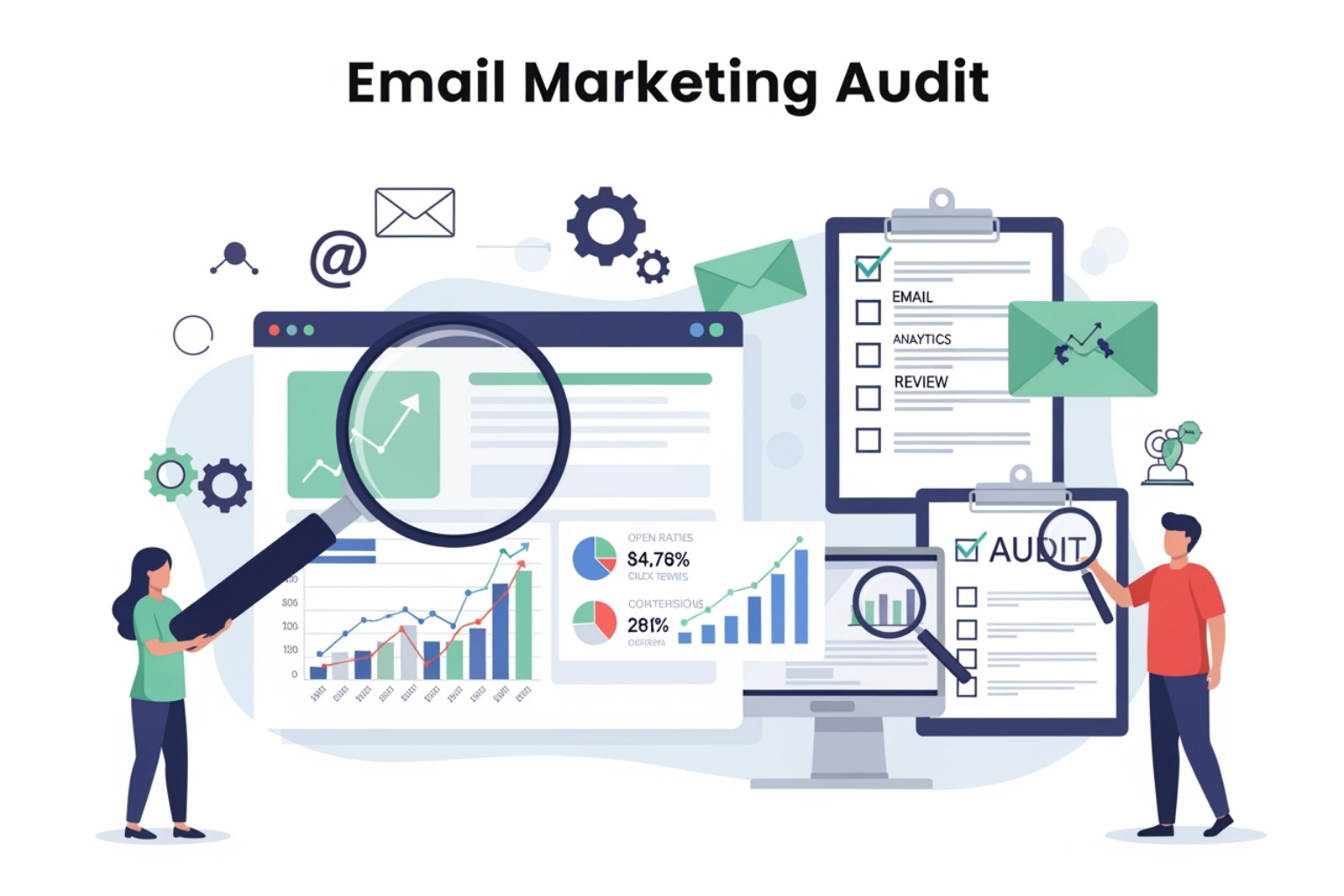
Essential Steps to Conduct an Email Marketing Audit
A successful email marketing audit starts with data, not opinions. I recommend looking at a 6-12 month history to account for seasonal swings and holiday peaks. If you only look at the last 30 days, you might miss the "ghosts" on your list—subscribers who haven't opened an email in six months but are still hurting your sender reputation.
To begin, you need to pull reports from your Email Service Provider (ESP). If you are using Shopify, I suggest starting with this email marketing checklist for Shopify to ensure you have the basics covered.
Here is my step-by-step process for gathering data:
- Export Campaign Data: Pull open rates, click-through rates (CTR), bounce rates, and unsubscribe rates for every campaign sent in the last year.
- Audit Automated Flows: Look at your welcome series, abandoned cart, and post-purchase flows. Check their individual conversion rates.
- List Growth Analysis: Track how many new subscribers you gain monthly versus how many you lose.
- Technical Check: Verify your authentication protocols (SPF, DKIM, DMARC) are active.
Setting Goals for an Email Marketing Audit
You cannot fix everything at once. I use SMART goals—Specific, Measurable, Achievable, Relevant, and Time-bound—to focus the audit. For example, instead of saying "I want better emails," a goal should be: "Reduce the hard bounce rate to under 2% by the end of Q2."
Your goals should align with your broader business objectives. If your goal is to increase customer lifetime value, your audit should focus heavily on post-purchase flows and segmentation. Use Shopify analytics to see which email segments are driving the most actual revenue, not just clicks.
Tools for an Email Marketing Audit
I don't do this work manually. I use specific tools to get an accurate picture of what is happening behind the scenes:
- Litmus or Email on Acid: These are essential for seeing how your emails render across different devices and providers. Your email might look great in Gmail but break completely in Outlook. Email testing with Litmus helps find these bugs before you hit send.
- Google Postmaster Tools: This shows you how Gmail views your domain reputation and whether your emails are being flagged as spam.
- Verification Tools (ZeroBounce or NeverBounce): These tools "ping" the addresses on your list to see if they are valid without actually sending an email. This is the fastest way to clean a dirty list.
Technical Deliverability and Authentication Standards
This is the "engine room" of your email program. If this part fails, nothing else matters. Starting in February 2024, Google and Yahoo mandated strict authentication for bulk senders (those sending over 5,000 emails a day). Microsoft followed suit shortly after.
You must have three records correctly set up in your DNS settings:
- SPF (Sender Policy Framework): This lists the servers authorized to send mail on your behalf. An SPF record can't exceed 10 DNS lookups, or it will fail.
- DKIM (DomainKeys Identified Mail): This adds a digital signature to your emails, proving they weren't tampered with in transit.
- DMARC (Domain-based Message Authentication, Reporting, and Conformance): This tells receiving servers what to do if SPF or DKIM fails (e.g., "put it in spam" or "reject it").
According to Validity's deliverability research, 65% of professionals find deliverability harder now. If your bounce rate is above 2%, it is a sign that your list is damaging your reputation. You should also aim for a spam complaint rate below 0.1% (less than 1 complaint per 1,000 emails).
Improving List Health and Segmentation
A large list is not always a good list. In fact, "dead weight" on your list—subscribers who haven't engaged in 90+ days—actually makes it harder for your active fans to see your emails. Inbox providers see low engagement and assume your content is unwanted.
Here is how I recommend cleaning up:
- Sunset Flows: Create an automated flow that identifies subscribers who haven't opened an email in 3 to 6 months. Send them one last "Do you still want to hear from us?" email. If they don't click, remove them.
- Double Opt-in: This requires new subscribers to click a link in a confirmation email. While it adds a step, it ensures your list is 100% real people who actually want your mail.
- Bot Protection: Install a Captcha on your sign-up forms. Bot sign-ups can flood your list with fake addresses, causing your bounce rates to skyrocket.
For Shopify users, Klaviyo email marketing flows make this easy to automate. Here is a quick comparison of why I often prefer double opt-in for my clients:
| Metric | Single Opt-in | Double Opt-in |
|---|---|---|
| List Growth Speed | Faster | Slower |
| Lead Quality | Lower (includes bots/typos) | Higher (verified humans) |
| Open Rates | Generally Lower | Significantly Higher |
| Deliverability Risk | Higher | Lower |
Evaluating Content Quality and Design
Once the technical foundation is solid, we look at the creative. The most common mistake I see is designing for desktop when over 41% of email views come from mobile devices. If your buttons are too small to click or your text is too tiny to read on a phone, you are losing half your audience.
Here are the benchmarks I use during a content audit:
- Email Length: Emails between 50 and 125 words often achieve the highest response rates. Keep it short and get to the point.
- The "From" Name: Use a name your customers recognize. "Steve from First Pier" usually performs better than just "First Pier" or, worse, "No-Reply."
- CTA Placement: Your main Call to Action (CTA) should be "above the fold"—meaning the reader shouldn't have to scroll to see it.
- Text-to-Image Ratio: Aim for a 60:40 text-to-image ratio. Emails that are just one big image often get caught in spam filters because filters can't "read" images.
Implementing Audit Findings and Action Plans
An email marketing audit is only useful if you act on the results. I tell my clients to prioritize findings based on impact. Fix authentication and high bounce rates first—those are "business-critical." Then move on to flow improvements and creative testing.
One of the best ways to improve is through A/B testing. Don't just guess which subject line is better; test a straightforward one against a creative one. I also recommend checking your compliance with the CAN-SPAM Act and other regulations. Ensure you have a clear, one-click unsubscribe link and a physical mailing address in your footer.
For long-term success, follow Klaviyo marketer best practices like regular list cleaning and behavioral segmentation. Don't treat your email list like a megaphone; treat it like a series of one-on-one conversations.
Frequently Asked Questions about Email Audits
How often should I conduct an email marketing audit?
I recommend a comprehensive audit once a year. However, you should do a "mini-audit" quarterly to check your bounce rates, spam complaints, and flow performance. If you've just moved to a new ESP or are preparing for a major sale like Black Friday, an audit is mandatory.
What are the most common issues found during an audit?
The "Big Three" are usually:
- Authentication Gaps: SPF or DKIM records that are missing or improperly configured.
- Inactive Subscribers: Lists that haven't been cleaned in years, dragging down deliverability.
- Broken Flows: Automation triggers that no longer work or emails that contain outdated product info and broken links.
How do I know if my email list needs cleaning?
If your open rates are consistently dropping, your bounce rate is above 2%, or your "attributed revenue" from email is flatlining despite sending more mail, your list needs a deep clean. Another sign is if you haven't purged inactive users (those who haven't opened in 120+ days) in the last six months.
To Sum Up
An email marketing audit is not just a chore; it is a revenue-recovery mission. By identifying the technical bugs, cleaning up your list, and refining your content, you can ensure your brand stays out of the junk folder and in front of your customers.
Here at First Pier, we live and breathe Shopify e-commerce. We know that for a boutique or a growing brand, every email sent is an opportunity to build a relationship or make a sale. If your current strategy feels like it is stalling, or if you are worried about the new 2024 deliverability rules, we can help.
We specialize in taking the guesswork out of e-commerce growth. From technical DNS setups to high-converting Klaviyo flows, we provide the expertise needed to scale your business safely and effectively. If you want to see how a professional checkup can change your numbers, take a look at our email and SMS marketing services and let's get to work.





.png)
.png)

