



Summary
- Proper Technical Setup is Vital: Most underperforming Meta ad accounts fail due to tracking and catalog configuration errors rather than poor strategy.
- Pixel and Conversions API Integration: Combining browser-side and server-side tracking recovers 30–40% of iOS conversions lost to privacy restrictions, bringing event capture rates to 95–99%.
- Broad Targeting Wins: Meta's delivery system finds buyers faster and more efficiently than narrow interest stacks or lookalike audiences.
- Creative and Copy are Key: Diverse, mobile-first ad creatives—especially authentic, short-form video and user-generated content—drive the highest click-through rates.
- Focus on True Profitability: Track business-level metrics like Marketing Efficiency Ratio (MER) and contribution margin instead of relying solely on in-platform ROAS.
Technical Setup for Facebook Ads for Shopify
To build a reliable advertising system, the technical foundation must be correct. Here at First Pier, we know that jumping straight into campaign creation without verifying your business assets leads to wasted spend, unverified events, and restricted accounts.
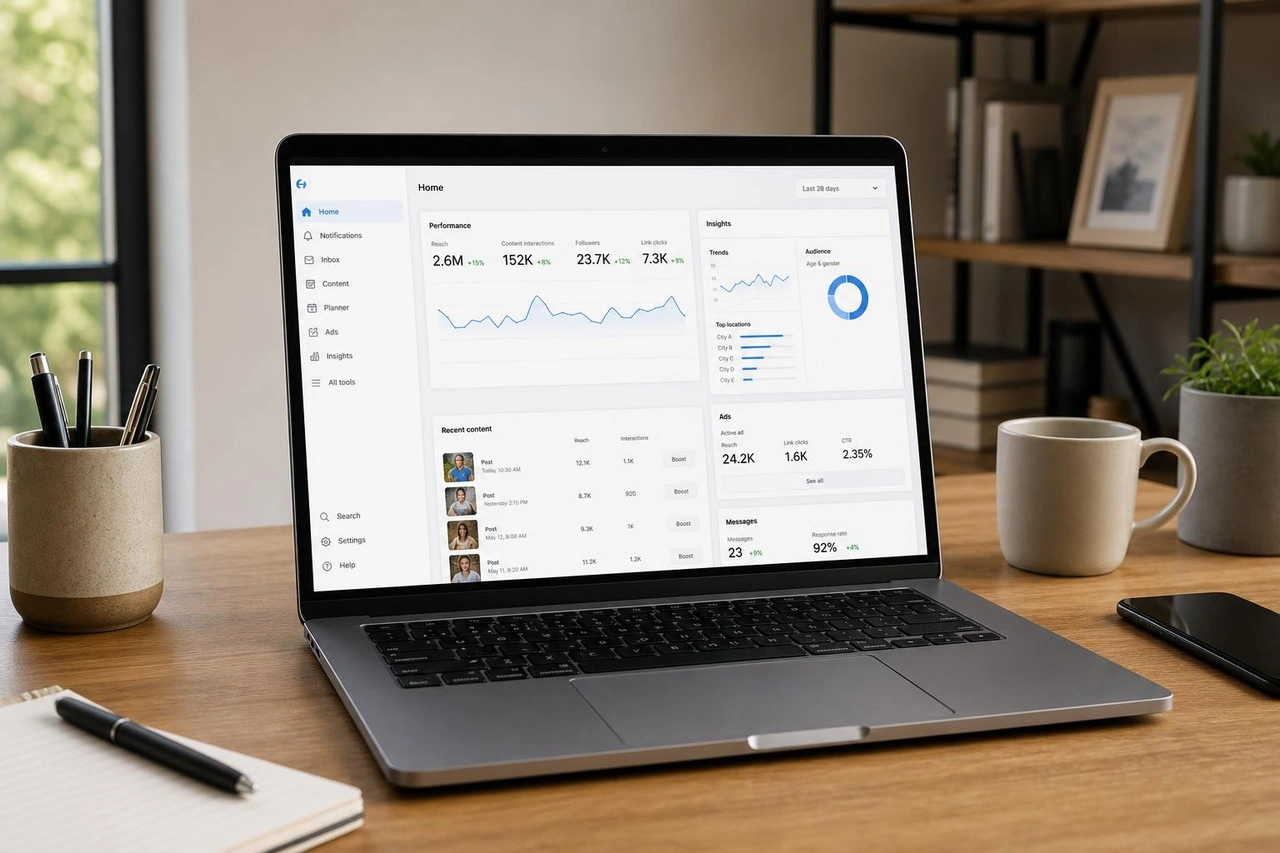
Before launching your first ad, complete these preparatory steps in your Meta Business Suite:
- Create or Claim Your Business Manager: Navigate to business.facebook.com and set up your Business Suite. This centralizes your Facebook Page, Instagram account, ad accounts, and tracking assets.
- Create a Dedicated Ad Account: Ensure your ad account is housed inside your Business Suite, has a valid payment method attached, and uses your correct local time zone and currency.
- Verify Your Domain: Go to Business Settings > Brand Safety and Suitability > Domains. Add your Shopify domain and copy the Meta tag into your Shopify theme code, or add the TXT record to your DNS settings. Domain verification is required for configuring your conversion events under Aggregated Event Measurement.
- Install the Meta Sales Channel on Shopify: In your Shopify admin, search for the official Facebook and Instagram application in the Shopify App Store. This app serves as the bridge between your store data and Meta's ad delivery system. Once installed, log in with your personal Facebook credentials to link your Business Manager.
For a deeper dive into how these platforms connect, explore the guide on Meta Advertising with Shopify.
Connecting the Meta Pixel and Conversions API
Relying solely on a browser-based pixel is no longer sufficient. Browser privacy settings and browser-side blockers routinely block 30% to 40% of browser-side events. This tracking gap starves the ad algorithm of the conversion signals it needs to find more buyers.
To resolve this data loss, implement dual-tracking by combining the browser Meta Pixel with the server-side Conversions API (CAPI). While the browser pixel tracks user actions directly on the device, the Conversions API sends purchase and checkout data directly from Shopify's servers to Meta's servers.
| Metric / Feature | Browser-Only Pixel | Pixel + Conversions API (CAPI) |
|---|---|---|
| Event Capture Rate | 60% – 70% | 95% – 99% |
| iOS 14+ Data Recovery | Poor (heavily restricted) | Excellent (recovers 30–40% of lost events) |
| Attribution Accuracy | Lower (missing browser events) | High (deduplicated server-side events) |
| Cost Per Purchase (CPA) | Standard | Typically 13% lower due to better data |
To enable this on Shopify:
- Navigate to the Facebook & Instagram sales channel in your Shopify admin.
- Go to Settings and select Data Sharing.
- Toggle the sharing level to Maximum. This automatically activates the Conversions API and ensures both browser and server events are fired with proper deduplication keys.
Without correct deduplication, Meta might count a single purchase twice (once from the browser, once from the server). Shopify's native integration automatically handles deduplication, ensuring your event reporting remains clean. Always aim for an Event Match Quality score above 6.0 (ideally 8.5+) in Meta Events Manager before scaling your budget.
If you are setting up tracking for the first time, follow the step-by-step instructions in the Shopify Facebook Pixel Installation resource.
Syncing Your Product Catalog for Facebook Ads for Shopify
Your product catalog is the data feed that feeds your dynamic ads. When a user browses a product on your Shopify store, Meta uses your catalog data to serve an ad featuring that exact item.
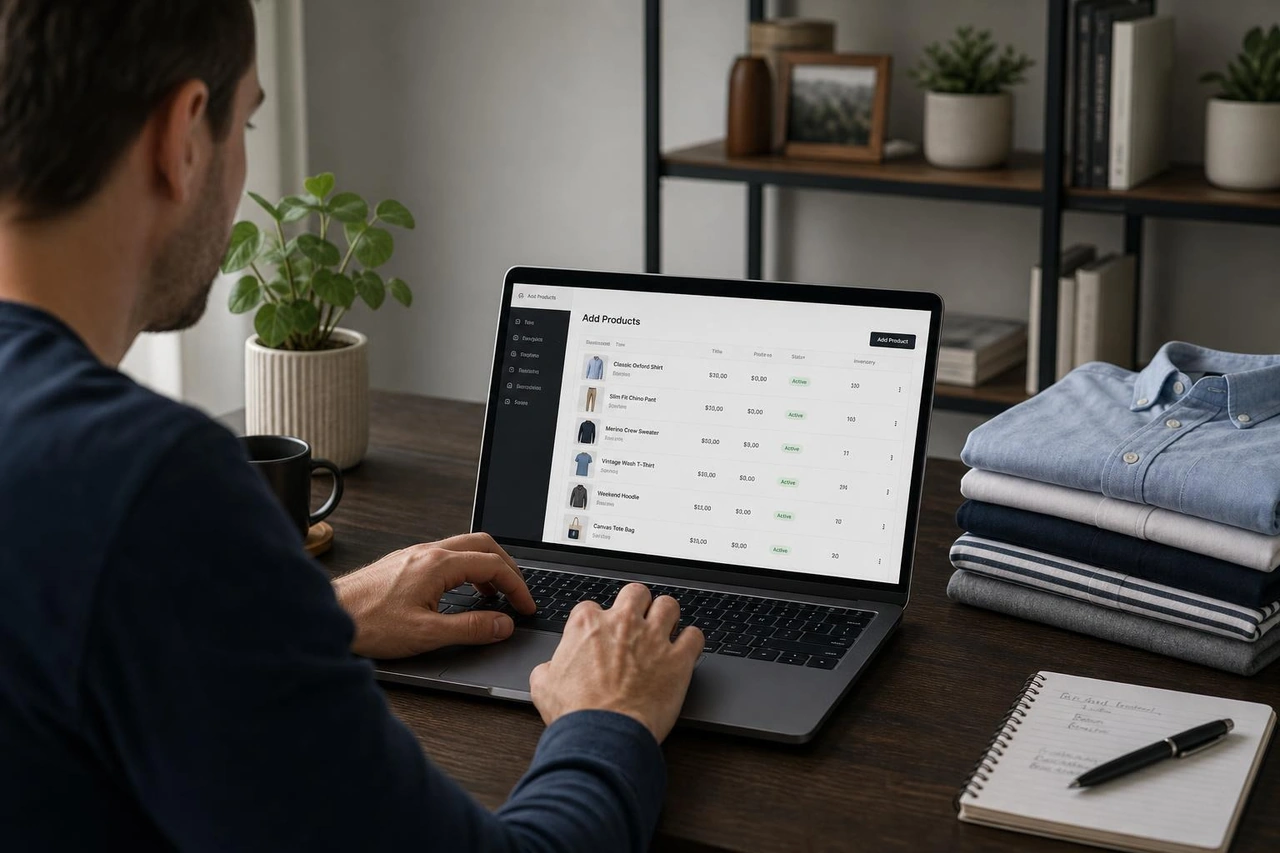
The Meta Sales Channel app automatically handles this sync, but catalog hygiene is your responsibility. Common feed errors can tank your ad performance or get your catalog rejected. Keep these catalog rules in mind:
- Refine Product Titles and Descriptions: Meta uses your titles and descriptions to understand who to show your products to. Clean up raw Shopify titles (e.g., remove internal SKUs or formatting codes).
- High-Resolution, Square Images: Ensure your primary product images are high-quality, square (1:1 ratio) shots with clean backgrounds.
- Match Product IDs: The
content_idfired by your Pixel must match the product ID in your catalog. If they do not match, dynamic retargeting will fail because Meta cannot identify which product a customer viewed. - Keep Inventory Updated: Out-of-stock items should sync as unavailable immediately. Advertising out-of-stock items wastes budget and frustrates potential buyers.
Using a clean catalog allows you to run Facebook Catalog Ads, which are highly effective for driving returning traffic. These are closely related to Facebook Dynamic Ads, which automatically build personalized carousels for users based on their browsing behavior.
Designing High-Converting Ad Creatives and Copy
Because Meta's targeting algorithm has become highly automated, your creative is now the single most important lever for improving your return on ad spend. The job of the creative is to stop the user from scrolling, communicate your value proposition in under three seconds, and drive high-intent clicks to your product page.
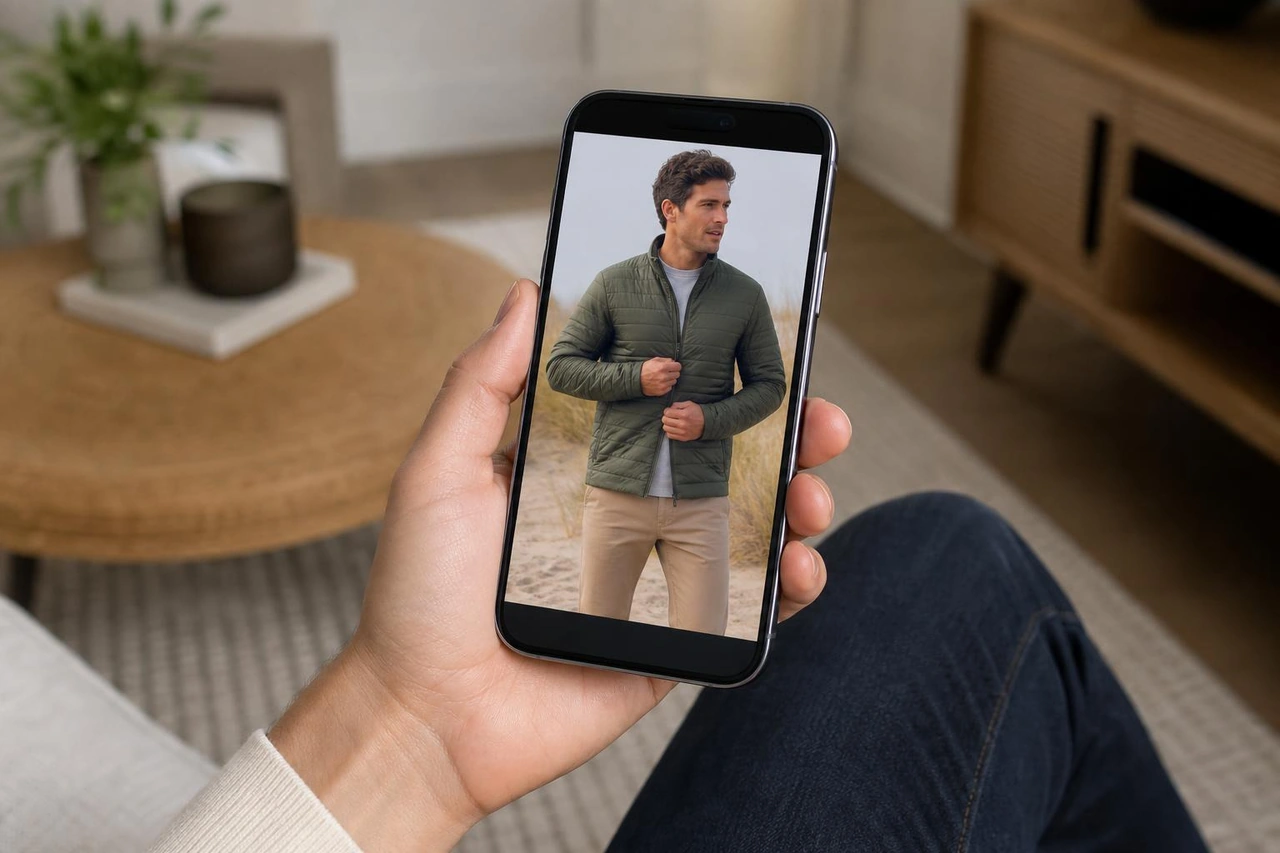
To hit the desktop benchmark of a 1% Click-Through Rate (CTR) and the mobile benchmark of a 2% CTR, use these creative principles:
- Prioritize Mobile-First Video: Over 80% of click-throughs happen on mobile devices. Use vertical (4:5 or 9:16) video formats that take up the entire screen.
- Lead with a strong Hook: The first 3 seconds of your video must capture attention. Avoid slow logo animations. Start with a bold question, a visual product demonstration, or a relatable problem.
- Incorporate User-Generated Content (UGC): Authentic, phone-shot videos of real customers unboxing or using your product often outperform highly polished, expensive brand videos. They blend into the user's social feed naturally.
- Showcase Social Proof: Incorporate customer reviews, rating stars, and press quotes directly into your video overlays and ad copy. Text overlays like "Over 10,000 Sold" or "5-Star Rated" build immediate trust.
- Focus on Benefits, Not Features: Your ad copy should clearly explain how the product improves the customer's life, rather than just listing technical specifications. Keep your primary text short and focused on a single angle.
Finding winning creatives requires a structured approach to testing. Instead of guessing what works, implement a system for Facebook Ads Creative Testing to isolate variables like hooks, body copy, and call-to-action buttons.
Audience Targeting and Funnel Structure
A common mistake is over-segmenting your ad account with dozens of small, highly specific interest-based audiences. This limits the algorithm's ability to learn and quickly resets the learning phase.
Modern Meta ad strategy relies on broad targeting. By leaving your targeting wide open (specifying only location, age, and gender), you allow Meta's machine learning system to find buyers based on how users interact with your ad creative. Your creative becomes your targeting.
To scale a Shopify store sustainably, structure your account into a clean funnel:
- Top of Funnel (TOFU) - 60% to 70% of budget: Broad Prospecting / Advantage+ Shopping Campaigns (ASC)
- Middle of Funnel (MOFU) - 10% of budget: Engaged Social Followers / Video Viewers
- Bottom of Funnel (BOFU) - 20% to 30% of budget: Website Visitors / Add-to-Carts / Abandoners
Structuring Your Campaign for Facebook Ads for Shopify
When starting out, keep your campaign structure straightforward to get the most out of your budget.
- Objective: Always select the Sales objective. Choosing "Traffic" or "Add to Cart" tells Meta to find people who click or add items to their cart but rarely complete a purchase, resulting in low conversion rates.
- Campaign Budget Optimization (CBO): Enable Advantage Campaign Budget. This allows Meta to distribute your daily budget across your ad sets in real time, directing spend to the highest-performing audiences.
- Combine Ad Sets: Do not run more than 2 to 3 ad sets within a single campaign. For example, use one Broad ad set (no interest targeting) and one stacked Interest ad set containing 3 to 5 highly relevant, related brands or topics.
- Exit the Learning Phase: An ad set needs roughly 50 purchase events per week to exit Meta's learning phase. Spreading a small budget across too many ad sets makes it impossible to hit this threshold, driving up your cost per acquisition.
Retargeting and Custom Audiences
Retargeting allows you to re-engage warm prospects who have already shown interest in your products. Build custom audiences using your Shopify Pixel data to target these key segments:
- Product Viewers (Last 14 Days): Users who viewed a product page but did not add it to their cart.
- Cart Abandoners (Last 7 Days): High-intent users who added items to their cart but did not purchase. Serve these users dynamic product ads containing the exact items they left behind.
- Customer Lists: Export your email subscriber list from your email service provider and upload it to Meta as a custom audience for VIP offers or product launches.
Exclusion Rules are Critical: To avoid wasting ad spend, always exclude recent purchasers (e.g., last 30 days) from your prospecting and cart abandonment ad sets, unless you are running a specific post-purchase upsell campaign.
Budgeting, Bidding, and Scaling Strategies
Setting the right budget requires understanding your unit economics. Here at First Pier, we recommend calculating your break-even point before spending a single dollar:
$$\text{Break-Even ROAS} = \frac{1}{\text{Gross Margin \%}}$$
If your gross margin is 50%, your break-even ROAS is 2.0x. Any campaign performing above this threshold is profitable.
For stores starting with limited resources, read the guide on How to Run Facebook Ads for Shopify on a Small Budget to learn how to allocate smaller daily budgets without triggering delivery issues.
When starting out, stick to automatic bidding (Lowest Cost). This allows Meta to secure the cheapest conversions available. Avoid manual bid caps or cost caps until your account is consistently generating 50+ conversions per week and you have established a clear baseline cost per acquisition (CPA).
Vertical vs Horizontal Scaling
Once you find a winning combination of ad creative and audience targeting, you can scale your budget using two primary methods:
- Vertical Scaling: Increase the budget of your existing winning campaigns. To avoid resetting the algorithm back into the learning phase, increase your budgets gradually—by 20% to 30% every 3 days.
- Horizontal Scaling: Find new audiences to target. This involves testing new interest stacks, expanding into wider lookalike audience percentages (e.g., moving from a 1% lookalike to a 5% or 10% lookalike), or launching international campaigns.
When expanding internationally, group countries with similar purchasing power and shipping costs into single ad sets to keep your target audiences large enough for Meta's algorithm to learn effectively.
Tracking True Profitability Beyond Platform ROAS
Relying solely on the ROAS reported inside Meta Ads Manager can lead to poor business decisions. Due to browser privacy changes and complex multi-channel buyer journeys, platform attribution is often incomplete.
To measure your true marketing health, track these business-level metrics:
- Marketing Efficiency Ratio (MER): $$\text{MER} = \frac{\text{Total Shopify Sales}}{\text{Total Ad Spend across all platforms}}$$This provides a holistic view of your advertising efficiency, showing how much revenue your total ad spend generates.
- Contribution Margin: Calculate your net profit after deducting cost of goods sold (COGS), shipping fees, transaction fees, and total ad spend. This ensures your scaling efforts are driving actual profit, not just top-line revenue.
- Profit on Ad Spend (POAS): Track your actual gross profit generated per dollar spent on ads, rather than just gross revenue.
Frequently Asked Questions about Facebook Ads for Shopify
How much should I budget for my first campaign?
A starting budget of $20 to $50 per day is recommended to gather enough initial data. This budget should be concentrated into a single campaign with 1 or 2 ad sets to help the algorithm learn. Avoid spreading small budgets across multiple campaigns, as this dilutes your data and prevents your ad sets from exiting the learning phase.
Why are my ads not converting?
If your ads are receiving clicks but no sales, check your funnel metrics to identify the drop-off point:
- CTR below 1%: Your ad creative or hook is not engaging your audience. Test new visual concepts or hooks.
- High Add-to-Carts but low purchases: This often points to friction at checkout, such as unexpected shipping costs, limited payment options, or slow page load times.
- Conversion rate below 2%: Your landing page or product page may lack clear product information, high-quality images, or trust signals like reviews.
Can I run ads without the Conversions API?
Technically yes, but it is not recommended. Running ads without the Conversions API means you will lose 30% to 40% of conversion data from iOS devices and privacy-focused browsers. This tracking gap makes your reported ROAS look worse than it is and deprives Meta's algorithm of the data it needs to improve your campaigns effectively.
To Sum Up
Starting Facebook ads for a Shopify store is a reliable way to build a predictable customer acquisition system. By establishing a clean technical setup with the Conversions API, maintaining a combined campaign structure, and focusing on creative testing, you can avoid the common pitfalls that drain ad budgets.
If you want to build a sustainable paid social channel, get in touch to discuss your Shopify paid social advertising.





.png)
.png)

