


Defining the Roles of UI and UX in Online Retail

Summary
- General Ecommerce UX/UI combines visual interface design with the functional journey of a shopper.
- 94% of first impressions are design-related, and 88% of users will not return after a poor experience.
- High-quality UI lifts conversions, and excellent UX lifts them further still.
- Essential elements include mobile-first layouts, high-resolution product media, and smooth checkout flows.
- Accessibility is a core requirement, as 15% of the global population lives with some form of disability.
In General Ecommerce UX/UI, people often use the terms interchangeably, but they serve distinct purposes. Think of your online store like a physical boutique. User Interface (UI) is the decor, the lighting, and the way the clothes are folded on the tables. It is the visual presentation—the colors, fonts, and buttons that make the brand feel real. User Experience (UX), on the other hand, is the floor plan. It is how easy it is to find the fitting rooms, whether the checkout line moves quickly, and if the staff anticipates your questions.
At its heart, UX design focuses on the customer journey. It is about logic and flow. UI design focuses on interaction and aesthetics. When I work with brands here at First Pier, I emphasize that a beautiful site (good UI) that is hard to navigate (bad UX) will fail just as fast as a functional site that looks untrustworthy.
The stakes are high. According to a Forrester study, effective UI can increase website conversions by up to 200%. However, when you combine that with excellent UX, the potential for conversion increases jumps to 400%. You can learn more about how we apply these principles specifically to the Shopify platform by exploring our Shopify UX design services.
Measuring the Impact of General Ecommerce UX/UI on Sales
Design is not just about "looking pretty"; it is about building trust. Visitors form a first impression of your website in as little as 50 milliseconds. If the design feels dated or cluttered, they leave. Statistics show that 32% of customers are willing to walk away from a brand they love after just one bad website experience.
When we talk about General Ecommerce UX/UI, we are talking about the foundation of brand loyalty. A site that is easy to use encourages repeat business. For more on the visual side of this equation, see our guide on Shopify UI design.
Core Frameworks for User-Centered Design
To create a high-performing store, we use established design frameworks:
- User-Centered Design (UCD): Every decision starts with the user’s needs and goals.
- Design Thinking: A process of empathizing with users, defining problems, and prototyping solutions.
- Lean UX: Focusing on constant iteration and using data to prove what works rather than spending months on a "perfect" design that might not convert.
- Information Architecture (IA): The backbone of your site. It is the organization of content and navigation that helps users find what they need without thinking.
Building a Foundation with User Personas and Wireframes
Before I ever open a design tool like Figma, I start with research. You cannot design a store if you do not know who is shopping there. This is where buyer personas come in.
A buyer persona is a fictional representation of your ideal customer. But for General Ecommerce UX/UI, we go deeper than just "Women aged 35-45." We look at their tech-savviness, their stress points (like shipping costs), and what questions they need answered before they hit "Buy." This research informs our Shopify store design tips and ensures the final build actually serves the audience.
Creating Beneficial Buyer Personas for Design
A "marketing persona" tells you how to get someone to the site. A "UX persona" tells you how to help them buy once they arrive.
| Marketing Persona Focus | UX Persona Focus |
|---|---|
| Demographics (Age, Income) | Behavioral Patterns (How they browse) |
| Interests and Hobbies | Technical Ability (Mobile vs. Desktop) |
| Media Consumption | Goals and Obstacles (What stops the sale) |
| Brand Influencers | Information Needs (What specs do they want?) |
The Role of Wireframing and Prototyping
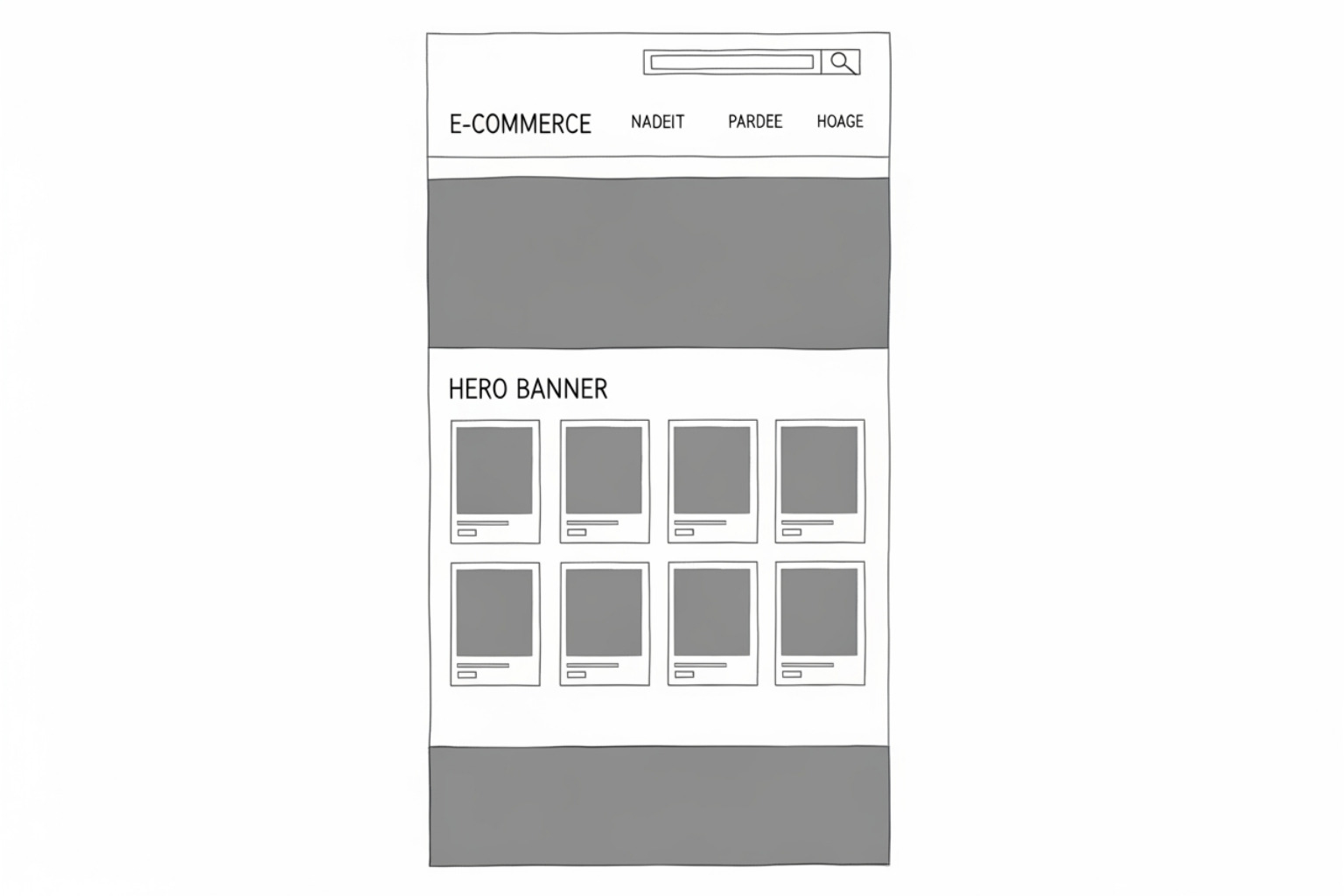
Wireframes are the skeletal blueprints of your site. They are usually black and white and focus purely on layout and hierarchy. We use tools like Figma, Miro, and Balsamiq to map out the home, category, and product pages.
By creating a clickable prototype, we can perform usability testing early. It is much cheaper to move a button in a wireframe than it is to rewrite code after the site is live. This iterative process is what separates "okay" stores from "high-performance" ones.
Best Practices for General Ecommerce UX/UI Navigation and Layout
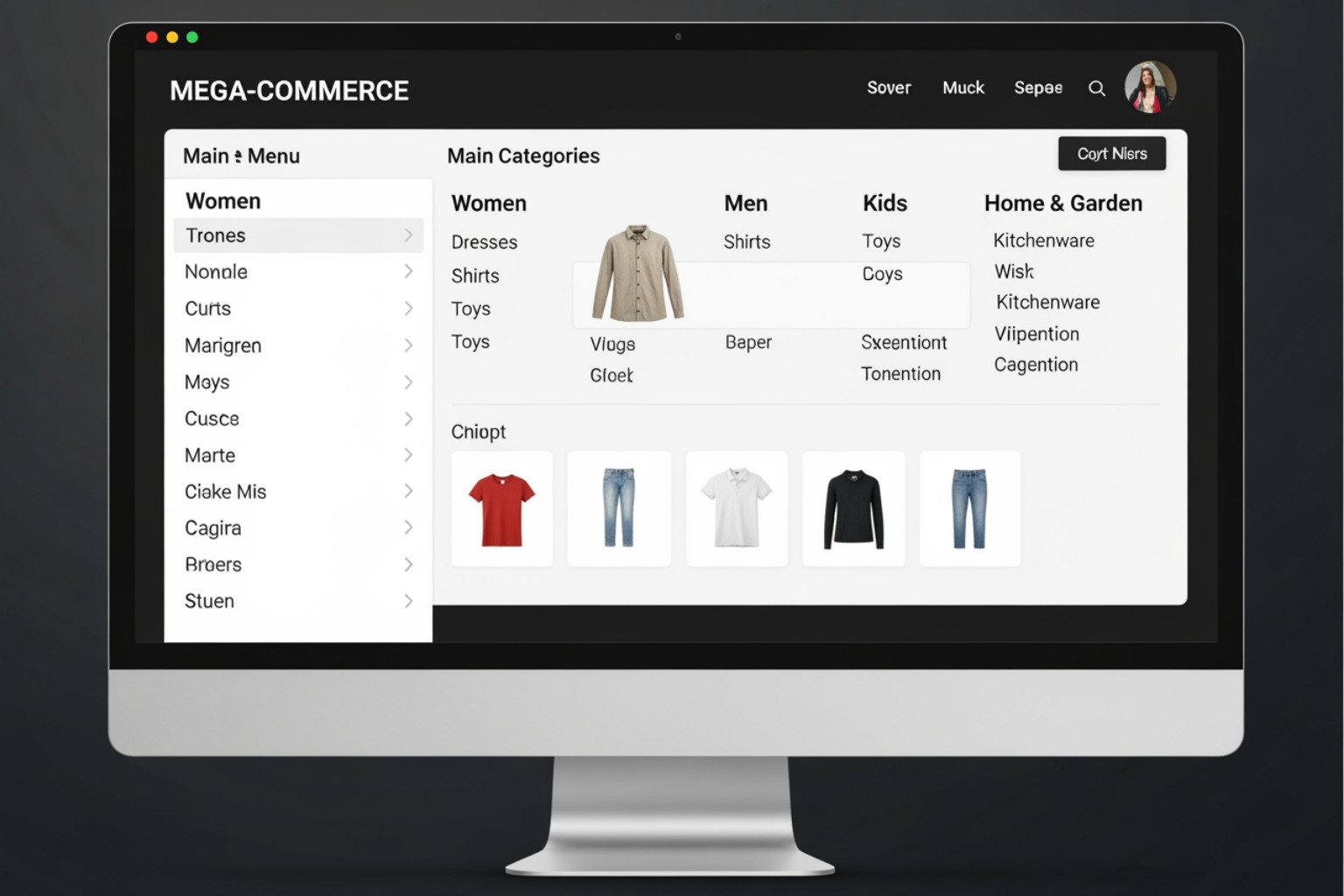
Navigation should feel invisible. If a customer has to stop and think about where to click, the UX has failed. Good navigation matches the customer’s "mental model"—the way they expect things to be organized.
For example, a logo should always link back to the home page. The cart should always be in the top right. These are universal standards. For inspiration, you can look at our best e-commerce homepage examples to see how top brands structure their layouts.
How General Ecommerce UX/UI Principles Apply Across Industries
One of the most interesting findings from the Baymard Institute is that 73% of usability issues are shared between desktop and mobile sites. Furthermore, 97% of "General" E-commerce usability issues apply to Mass Merchant sites, and 74% apply to Direct-to-Consumer (DTC) brands.
Whether you sell apparel or vitamins, users expect:
- Faceted Search: Powerful filters that let them narrow down by size, color, or price.
- Clear Categories: No overlapping or confusing labels.
- Accessibility: Following accessibility in e-commerce standards ensures that the 15% of the population with disabilities can use your site.
Visual Hierarchy and Typography Best Practices
Visual hierarchy tells the user what to look at first. We use color, size, and whitespace to guide the eye.
- Color Schemes: Use a primary brand color for your Call to Action (CTA) buttons to make them pop. High contrast is key for legibility.
- Typography: Limit your site to 2-3 fonts. Use a clean, sans-serif font for body text to ensure it is easy on the eyes.
- Whitespace: Do not crowd your pages. Whitespace reduces cognitive load and makes your products feel more premium.
High-Conversion Product Page Design
The Product Detail Page (PDP) is where the sale happens. In General Ecommerce UX/UI, the goal of the PDP is to answer every question a user might have so they feel confident enough to buy. You can see how we handle this for our clients in our guide to PDP Shopify optimization.
Essential Elements of an Effective Product Page
To increase conversions, every PDP needs:
- Clear Product Title: No internal SKUs or confusing names.
- High-Quality Media: 3 to 5 images from different angles, plus video if possible. High-quality photos have been shown to lead to markedly higher conversion rates.
- Pricing Transparency: Show the price clearly, including any discounts.
- Prominent Add to Cart Button: This should be the most obvious element on the page.
- Shipping and Return Info: An unsatisfactory return policy is a common reason shoppers abandon carts. Show this info early.
To extend the functionality of these pages, we often recommend the best Shopify apps for product pages.
Using Social Proof and Reviews to Build Trust
Online shoppers cannot touch your product, so they rely on the experiences of others. This is called social proof.
- Ratings and Reviews: Display these prominently near the product title.
- Verified Buyer Badges: These build credibility.
- Reviewer Details: Knowing a reviewer's age or use case helps the shopper relate.
According to the World Health Organization (WHO), 15% of the world's population lives with a disability. This makes accessible design—like alt-text for images and screen-reader-friendly reviews—not just a nice-to-have, but a requirement for modern retail.
Streamlining the Mobile Experience and Checkout Flow
Mobile-first design is no longer a trend; it is the standard. In 2024, smartphones accounted for over three-quarters of retail site visits. If your mobile UX is an afterthought, you are losing the majority of your potential sales.
Key mobile best practices include:
- Touch Targets: Buttons should be at least 44x44 pixels so they are easy to tap.
- Page Speed: 40% of shoppers will leave a site if it takes more than three seconds to load. We focus heavily on Shopify performance optimization to keep load times low.
- Simplified Navigation: Use a hamburger menu to keep the screen clean.
For a deeper dive, check out our resources on designing for mobile.
Reducing Friction in the Checkout Process
The checkout is the most fragile part of the customer journey. Any friction here leads to cart abandonment.
- Guest Checkout: Forcing a user to create an account is a major barrier. At least 40% of ecommerce purchases are impulse buys; don't slow them down.
- Progress Bars: Show the user exactly how many steps are left.
- One-Page Checkout: Shopify’s one-page checkout is a leader here, helping to reduce abandonment by keeping the process simple.
Learn more about Shopify mobile checkout optimization to see how we help brands here at First Pier improve this flow.
Supporting Diverse Payment Options
Customers expect to pay their way. 56% of shoppers expect a variety of payment options.
- Digital Wallets: Apple Pay and Google Pay allow for one-tap purchases.
- Regional Methods: If you sell internationally, you must support local favorites like iDEAL in the Netherlands or bank transfers in Southeast Asia.
- Trust Badges: Displaying security icons near the payment fields helps reduce anxiety.
Frequently Asked Questions about E-commerce UX/UI
What is the main difference between e-commerce UI and UX?
UI (User Interface) is the visual look—the "skin" of the site. UX (User Experience) is the functional feel—the "bones" and "muscles" that make the journey easy and logical for the shopper.
Why is mobile-first design critical for online stores?
Since more than three-quarters of traffic now comes from mobile devices, designing for the smallest screen first ensures that the most common user experience is the best one. It forces designers to prioritize the most important content.
How does guest checkout impact cart abandonment rates?
Guest checkout significantly reduces abandonment by removing the "forced registration" hurdle. Many shoppers, especially impulse buyers, do not want to manage another password just to buy a single item.
To Sum Up
Mastering General Ecommerce UX/UI is a continuous process. It is not something you "set and forget." It requires constant testing, listening to user feedback, and looking at data to see where people are dropping off.
A successful store is built on a foundation of trust, speed, and clarity. By focusing on user-centric design, prioritizing mobile users, and making the checkout process as painless as possible, you can turn more clicks into loyal customers.
Here at First Pier, we help brands build high-performance Shopify stores by applying these fundamental principles every day. Whether you are starting from scratch or looking to improve your current conversion rate, we have the expertise to help you grow.
Ready to start your e-commerce UX project? Let's build something great together.





.png)
.png)

