




Why Your Shopify Store Speed Is Costing You Sales
Summary
- Faster Shopify stores reduce bounce rates and improve search engine rankings.
- Mobile users frequently abandon sites that take longer than three seconds to load.
- Load time delays correlate with lower conversion rates and lost revenue.
- Core Web Vitals (LCP, INP, CLS) serve as primary metrics for measuring site performance.
- Performance improvements involve image compression, app audits, and code minification.
Increasing Shopify speed is a high-impact action for store owners. Data shows that performance improvements lead to direct revenue gains, and we see this in practice here at First Pier.
Think about that for a moment. A store earning $100,000 per day stands to lose $2.5 million in annual revenue from a single second of extra load time. Google recommends a two-second load time for e-commerce. Most Shopify stores are nowhere near that.
The numbers are hard to ignore:
- 53% of mobile shoppers leave a page that takes more than 3 seconds to load
- 7% drop in conversions for every one-second delay
- 32% increase in bounce rate after just one second of lag
- 8.4% more conversions for every 0.1-second improvement in load time
- 77% of retail traffic now comes from mobile devices
Slow stores do not just frustrate visitors. They quietly bleed revenue every hour, every day — often without a clear signal in your dashboard that speed is the cause.
The good news is that most Shopify speed problems come from a short list of fixable issues: unoptimized images, too many third-party apps, render-blocking scripts, and themes built for looks rather than performance. Fixing them does not require starting over. It requires knowing where to look.
I'm Steve Pogson, founder of First Pier and a certified Shopify expert with over two decades of experience helping growing brands increase Shopify speed and turn performance improvements into measurable revenue gains. In this guide, I will explain exactly what slows Shopify stores down and what actually fixes it.

The Business Impact of Shopify Performance
When I talk to store owners in Portland, Maine, about their performance, I often start with a simple question: How much did you spend on ads last month? If your site is slow, you are essentially paying a "speed tax" on every click. A slow site makes your customer acquisition costs higher because a large portion of the people you paid to get there leave before the page even loads.
Revenue and Conversion Loss
The connection between load time and money is linear. Research shows that improving page load speed by just 0.1 seconds can lead to an 8.4% increase in retail conversion rates. Conversely, if your page takes longer than three seconds to load, your bounce rate almost triples. For more technical insights, Shopify provides Website Speed Optimization Tips and Tools for 2026.
I’ve seen stores where a single second of delay resulted in a 7% reduction in conversions. For a business doing $1 million a year, that is $70,000 left on the table. For larger enterprises, that number scales into the millions. Speed is not just a technical metric; it is a core business pillar that impacts customer loyalty and brand perception. 70% of consumers admit that a slow-loading website impacts their willingness to buy from an online retailer.
Mobile-First Expectations
Currently, 77% of retail traffic comes from mobile devices. These users are often on the move, dealing with varying signal strengths and 4G/5G latency. They expect an experience that feels instantaneous.
If your desktop site loads in two seconds but your mobile site takes six, you are failing the majority of your audience. Mobile consumers are impatient; if the checkout process lags or images take too long to appear, they will move to a competitor. To increase Shopify speed, you must prioritize the mobile experience above all else.
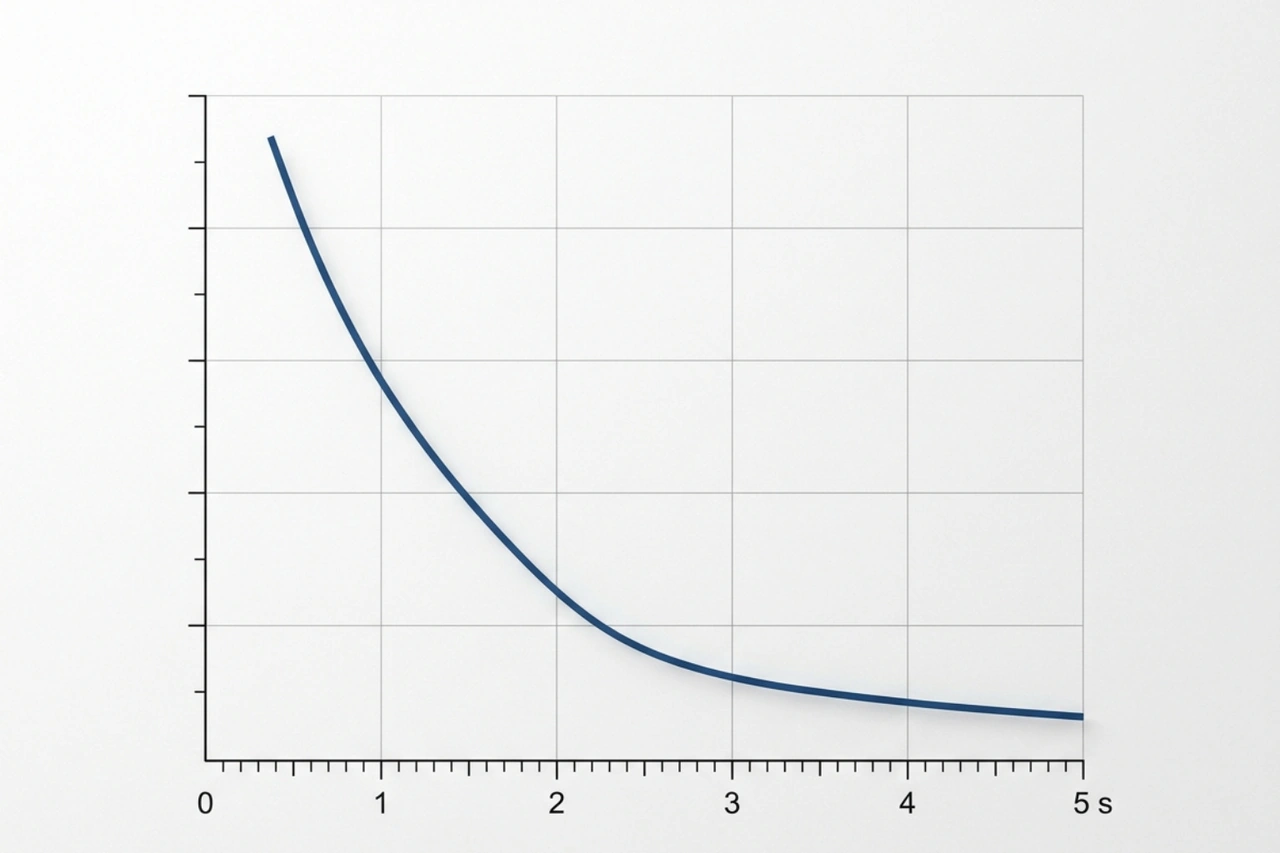
Core Web Vitals: Measuring What Matters
To fix something, you have to measure it correctly. In the past, we looked at "total load time," but that doesn't tell the whole story. Today, Google uses Core Web Vitals to judge how users actually experience your site. These metrics are now a major factor in SEO rankings.
Largest Contentful Paint (LCP)
LCP measures how long it takes for the largest piece of content on the screen—usually your hero image or main product title—to become visible. To provide a good user experience, I recommend an LCP of 2.5 seconds or less. If your hero image is a 5MB file straight from a DSLR, your LCP will suffer, and your visitors will be staring at a blank white box.
Interaction to Next Paint (INP)
INP is the newest Core Web Vital, replacing the old First Input Delay (FID) in 2024. It measures the responsiveness of your site. Have you ever clicked a "Add to Cart" button and nothing happened for half a second? That is a poor INP. It is usually caused by heavy JavaScript execution that "freezes" the browser. We aim for an INP of under 200ms.
Cumulative Layout Shift (CLS)
CLS measures visual stability. We’ve all been there: you go to click a link, but the page suddenly shifts because an image finally loaded, and you end up clicking an ad or the wrong button instead. This is frustrating and looks unprofessional. A good CLS score is less than 0.1. You can fix this by setting explicit width and height dimensions for all your images.

10 Proven Methods to Increase Shopify speed
Improving your performance does not have to be a mystery. Here at First Pier, we follow a systematic checklist to Improve Shopify Store Speed.
| Method | Impact | Difficulty |
|---|---|---|
| Image Optimization | High | Low |
| App Audit | High | Medium |
| Lazy Loading | Medium | Low |
| Minifying Code | Medium | High |
| Using System Fonts | Low | Low |
Increase Shopify speed through Image Optimization
Images are almost always the biggest files on your page. I frequently see stores where 75% of the total page weight comes from just three or four large images.
To Optimize Shopify Store Speed, you should use the WebP format, which provides superior compression compared to JPEG or PNG. You should also use "srcset" attributes in your code. This tells Shopify to serve a smaller version of the image to a phone and a larger version to a desktop, ensuring no one downloads more data than they need. For a deeper dive, check out our guide on Shopify Image Optimization.
Increase Shopify speed by Auditing Third-Party Apps
Apps are the most common "speed killers" on Shopify. Every time you install an app—whether it’s for reviews, countdown timers, or loyalty programs—it adds a new block of JavaScript to your store.
Even if you delete the app from your dashboard, "ghost code" is often left behind in your theme.liquid file. I recommend a monthly audit. Ask yourself: "Does this app generate more revenue than the speed delay it causes?" If the answer is no, get rid of it. Use the Shopify App Speed Report to identify which ones are dragging you down.
Implementing Lazy Loading
Lazy loading is a technique where the browser only loads images when the user scrolls down to them. If you have a collection page with 50 products, there is no reason to load the 50th image until the user is actually looking at it.
Implementing loading="lazy" can improve your initial page speed by 25% or more. However, be careful: never lazy load your LCP element (like your main hero image). That should load as fast as possible.
Technical Fixes for Render-Blocking Resources
When a browser loads your site, it reads the code from top to bottom. If it hits a large JavaScript or CSS file, it stops everything else until that file is finished. This is called "render-blocking."
Reducing JavaScript and CSS Weight
Minification is the process of removing all the unnecessary spaces, comments, and characters from your code files. It makes the files smaller and faster for the browser to read. You should also look at your Liquid loops. If you have a loop that checks every product in your store just to display three "featured" items, it can significantly slow down your server response time.
Using Asynchronous Loading
By adding the async or defer attribute to your script tags, you tell the browser to keep loading the rest of the page while it fetches the JavaScript in the background. This prevents the page from "hanging" while waiting for a third-party script like a Facebook Pixel or a chat widget to load. This simple change can result in a 25-35% improvement in load times.
Choosing Performance-First Themes and Infrastructure
You can't build a high-performance store on a shaky foundation. Your choice of theme and how you use Shopify's infrastructure will set the ceiling for how fast your store can be.
The Role of Shopify’s Built-in CDN
Shopify includes a global Content Delivery Network (CDN) powered by Cloudflare. This means that when a customer in London visits your Maine-based store, they are downloading images from a server in the UK, not from the US.
To use this effectively, always use the asset_url filter in your Liquid code. This ensures your assets are versioned and cached correctly. Shopify also automatically handles image processing and Gzip compression, which are huge time-savers.
Selecting Lightweight Themes
Many "premium" themes are bloated with dozens of features you will never use—sliders, carousels, and complex animations that all require heavy code. I generally suggest sticking to Shopify’s official themes, like Dawn, which are built for speed and follow the Online Store 2.0 standards.
If you need a highly specific look or complex functionality, custom development is often better than piling on apps. A custom-built theme tailored to your exact needs will almost always outperform a feature-heavy commercial theme. For more on this, see our Shopify Optimization Ultimate Guide.
Frequently Asked Questions about Shopify Speed
How often should I audit my store speed?
I recommend a full speed audit once a month. You should also run a test every time you install a new app or make a significant change to your theme. Performance is not a "one and done" project; it is a habit.
Should I use AMP for my Shopify store?
Accelerated Mobile Pages (AMP) can be useful for blog posts or very simple product pages, but they often strip away too much functionality for a modern e-commerce experience. With the speed of Online Store 2.0 themes, AMP is rarely necessary for most stores today.
When should I hire a speed expert?
If you have optimized your images and removed unused apps but your PageSpeed score is still in the "red" (below 50), it is time to call in a professional. Complex issues like Liquid code optimization, critical CSS inlining, and fixing deep-seated render-blocking issues usually require a developer’s touch.
To Sum Up
Increase Shopify speed is one of the most effective ways to grow your business without spending a single extra dollar on advertising. By focusing on Core Web Vitals, cleaning up your app list, and optimizing your visual assets, you create a shopping experience that respects your customers' time and encourages them to return.
Here at First Pier in Portland, Maine, we help brands navigate these technical challenges every day. Whether you are looking for a one-time performance audit or a full platform overhaul, we have the expertise to make your store fly.
Ready to see what your store is truly capable of? You can find More info about Shopify Plus Optimization on our services page, or reach out to us for a performance audit today. Your customers—and your bottom line—will thank you.





.png)
.png)

