


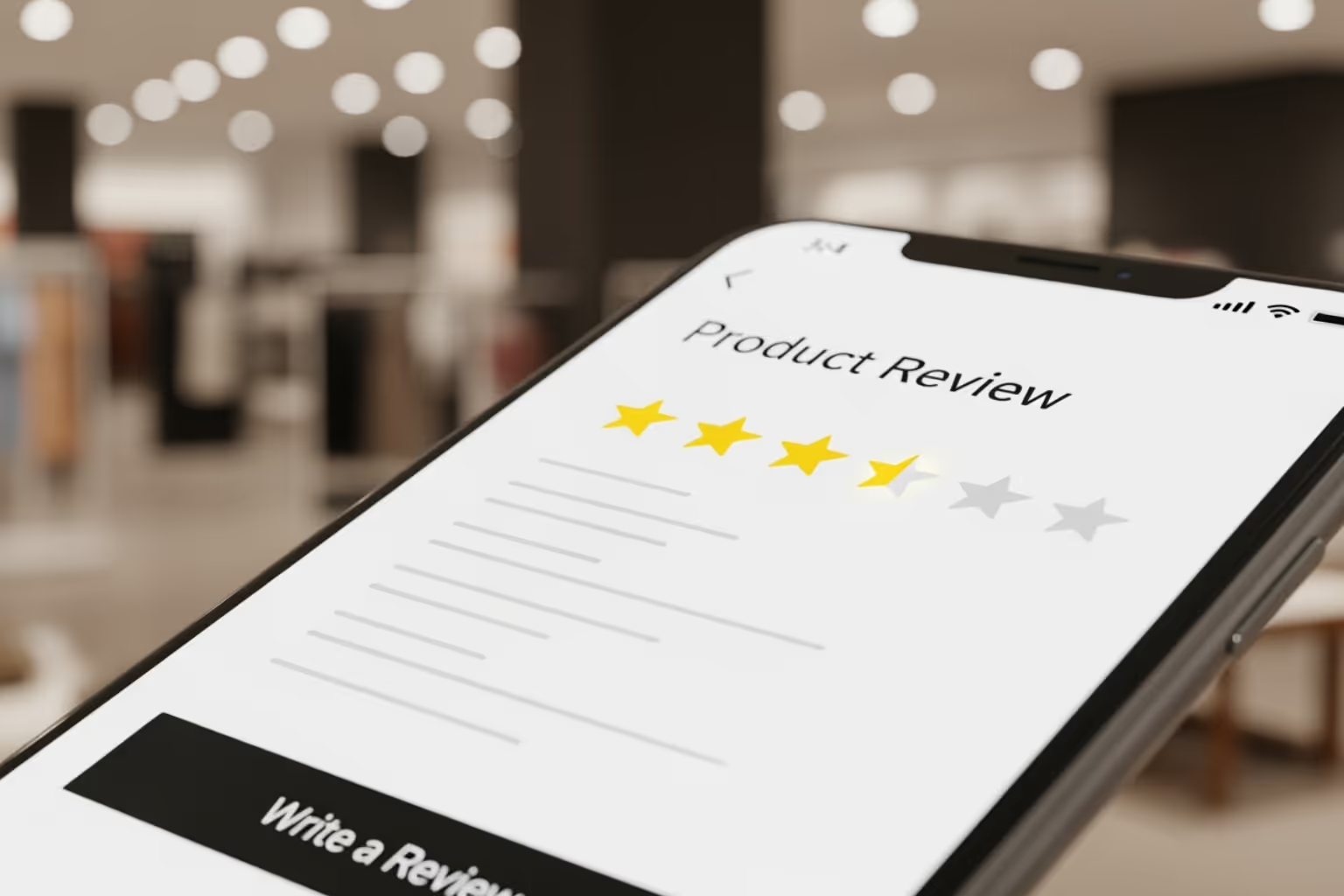

Why Customer Reviews Drive More Sales for Your Store
Shopify customer review apps help you collect, manage, and display customer feedback to build trust and boost conversions. They automate review collection and showcase social proof, turning hesitant visitors into confident buyers.
Top Shopify Customer Review Apps:
- Judge.me - Best overall: a 5.0 rating across 44,000+ reviews and a genuinely generous free plan
- Loox - Top choice for visual reviews with photos and videos
- Fera - Easiest setup, plus a 60-day trial and imports from Etsy, AliExpress and Google
- Yotpo - Full marketing suite with reviews, SMS, and loyalty features
- Growave - All-in-one app combining reviews with loyalty programs
Product reviews are critical for e-commerce success. Northwestern University's Spiegel Research Center found that purchase likelihood is 270% higher for a product carrying five reviews than for the same product with none - and that displaying reviews lifted conversion 190% on lower-priced items and 380% on higher-priced ones. Reviews also boost SEO with rich snippets that make your products stand out in search results.
The challenge isn't if you need reviews, but choosing the right app. With dozens of options offering features like photo reviews, automated emails, and marketing integrations, the decision can feel overwhelming.
First Pier has helped brands like Wyman's Blueberries and Hyperlite Mountain Gear optimize their Shopify customer review apps for maximum impact. My two decades in e-commerce have shown me that the right review strategy can transform a store's performance and customer trust.

Know your Shopify customer review apps terms:
- E-commerce website development services
- Shopify and Klaviyo integration
- Shopify email marketing automation
Why Your Shopify Store Needs a Product Review App
Running a successful Shopify store without customer reviews is like trying to sell products with your hands tied behind your back. Shopify customer review apps aren't just helpful additions to your store - they're absolutely essential for building the trust and credibility that modern shoppers demand.
Think about your own shopping habits. Do you feel confident buying from a store with no reviews? Or do you gravitate toward products with dozens of glowing testimonials? Your potential customers feel the same way.

The numbers tell a compelling story, and the effect scales with price. The Spiegel Research Center measured a 190% lift in conversion on lower-priced products once reviews were displayed, and a 380% lift on higher-priced ones. The more money a shopper stands to lose on a bad decision, the more weight other people's experiences carry. Most of that gain arrives early: the jump from zero reviews to roughly five is far larger than anything you gain going from fifty to a hundred.
An empty review section is not neutral - it reads as a warning. A widely cited Fan & Fuel survey put the share of shoppers who hesitate to buy a product with no reviews at 92%, and while that figure dates to 2017, nothing since has moved in the other direction. Reviews aren't a nice-to-have on a product page anymore; their absence actively costs you the sale.
Customer reviews build social proof in ways your own marketing copy can't match. When real customers share their experiences, they create testimonials that carry more weight than any sales pitch. That trust is not automatic, though, and it is getting harder to earn: BrightLocal's 2025 Local Consumer Review Survey found only 42% of consumers now trust online reviews as much as a personal recommendation, down from 79% in 2020. Shoppers have learned to spot manufactured praise. That is an argument for publishing a large volume of verified reviews - including the mediocre ones - rather than curating a wall of five stars.
Beyond trust, Shopify customer review apps earn their place on SEO grounds alone. Many generate SEO rich snippets that show star ratings in Google search results, making your products stand out and attracting more clicks. Google's Google Raters EEAT Guidelines emphasize "Experience" as a key ranking factor, and customer reviews provide this authentic, experience-based content.
Reviews also generate valuable user-generated content (UGC) for marketing. Customer photos and videos are more convincing than polished product shots, showing potential buyers what to expect.
Perhaps most importantly, reviews provide essential product feedback to help you improve. Comments reveal what customers love, what could be better, and even new ways they use your products. This feedback is invaluable for refining your offerings and marketing.
A quality review app is one of the Best Shopify Apps to Increase Conversions you can add. It's not just about testimonials - it's a system for building trust, improving visibility, and gaining insights to drive your business forward.
Key Features to Look for in a Great Review App
Shopping for a Shopify customer review app can be overwhelming. But after helping many clients, I've learned which features make a real difference in driving sales.
The most important feature is photo and video reviews. Visual content takes social proof to the next level. Seeing real people using your products builds instant trust and is more convincing than any product description.
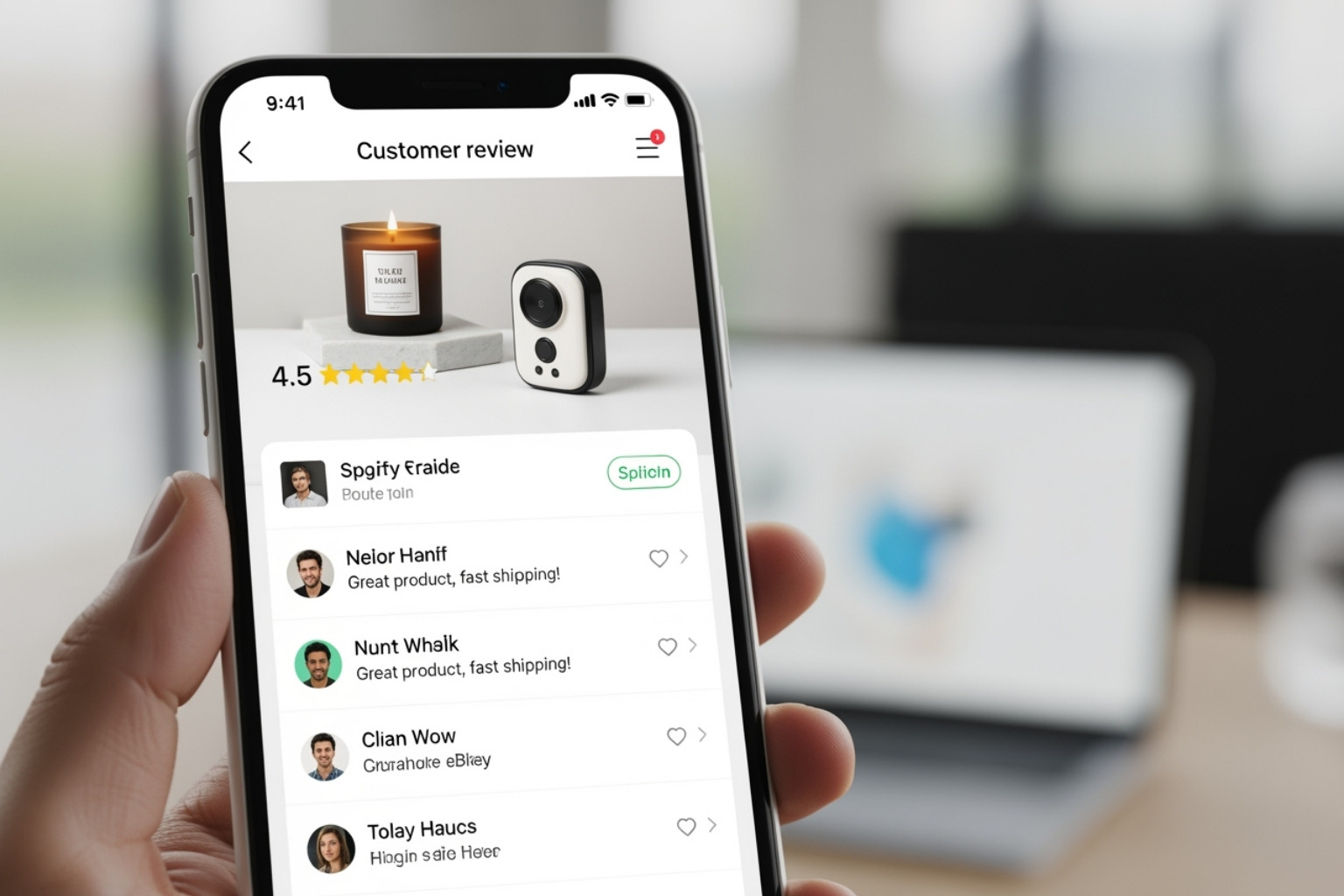
Next, look for automated review requests. Manually asking for feedback isn't realistic. A good app sends timely emails after a purchase. Find apps that let you customize templates, offer incentives like discounts, and integrate with platforms like Klaviyo.
Customization options matter. Your review widgets should match your site's design, not look like a generic add-on. The best apps let you adjust colors, fonts, and layouts to match your brand. When reviews feel like a natural part of your store, customers trust them more.
Don't overlook review import and export capabilities. If you're switching platforms, importing existing reviews is a huge benefit. Fera imports directly from Etsy, AliExpress and Google; Opinew handles Amazon and eBay. Either saves hours of manual work. Export options mean you always own your data.
SEO rich snippets are critical for getting found online. This feature shows star ratings next to your products in search results. These stars catch the eye and boost click-through rates. Ensure the app implements this correctly for optimal SEO.
Q&A functionality builds a community around your products. When customers can ask questions and get answers from other buyers or your team, it builds transparency and can prevent abandoned carts. It's like having a sales associate available 24/7.
Your review app should play nicely with your other tools through solid integrations. Direct connections to your email marketing, loyalty, or analytics tools save you manual work and help you get more value from your review data.
Finally, look for apps that offer generous free plans or trials. This lets you test the features before committing. Judge.me, for example, has an excellent free plan that many smaller stores find sufficient.
Choosing an app with these features ensures you're building a powerful sales tool. These are Essential Shopify Apps that can transform how customers see and interact with your products.
A Comparison of the Best Shopify Customer Review Apps
Now, let's explore the top Shopify customer review apps I've worked with. Each is unique, and the "best" app depends on your specific needs, budget, and goals.
I've put together a quick comparison table to help you see the key differences at a glance:
| App Name | Overall Rating (Shopify App Store) | Free Plan Available | Visual Reviews (Photo/Video) | SEO Rich Snippets | Integration with Marketing Suites | Focus |
|---|---|---|---|---|---|---|
| Judge.me | 5.0 (44,575 reviews) | Yes | Yes | Yes | Good | Reviews-focused |
| Loox | 4.9 (9,178 reviews) | Yes | Yes | Yes | Good | Visual Reviews |
| Fera | 4.8 (1,974 reviews) | No - 60-day trial | Yes | Yes | Good | Ease of Use, Visuals |
| Yotpo | 4.8 (4,393 reviews) | Yes | Yes | Yes | Excellent | Marketing Suite |
| Growave | 4.8 (1,169 reviews) | Yes | Yes | Yes | Excellent | All-in-One Marketing |
Note: Ratings and review counts change frequently on the Shopify App Store.
Judge.me: The Best All-Around Shopify Customer Review App
If you want a review app that works well and is affordable, Judge.me is hard to beat. Its 5.0-star rating across more than 44,000 reviews speaks for itself. The free plan is very generous, offering unlimited product reviews, photo and video reviews, SEO rich snippets, and basic review requests for free.
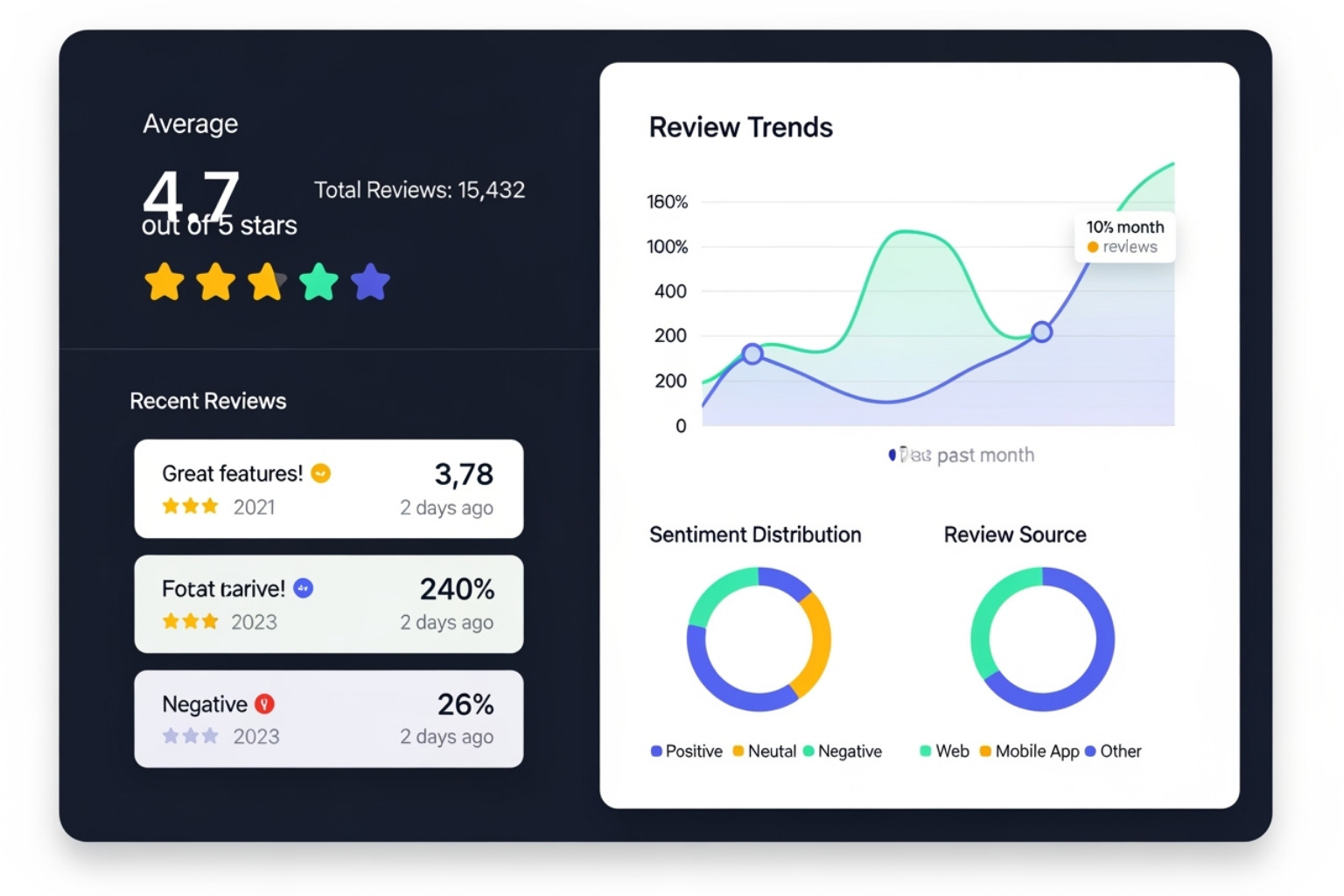
Setup is straightforward. The interface is intuitive, and you can quickly customize widgets to match your store. The automated review requests work smoothly, and displaying star ratings on product and collection pages can seriously boost conversions.
Its Q&A functionality stands out, letting customers ask questions on product pages. This builds a helpful community and answers questions proactively. Judge.me also shares reviews to Meta and the Shop App for wider reach.
The app handles SEO rich snippets well, making your products stand out in search results. Paid plans offer advanced customization, more integrations, and Google Shopping sharing for scaling businesses.
What works well: The free plan is incredibly generous, setup is easy, excellent SEO features boost search visibility, and the massive user base proves its reliability. The Q&A functionality and wide range of integrations are solid bonuses.
What to consider: While the free plan covers most needs, some advanced customization and integrations require upgrading. Since it focuses primarily on reviews, you might need additional apps for broader marketing needs.
You can check out all of Judge.me's features on the Shopify App Store: Judge.me: Product reviews & star ratings with photos & video.
Loox: The Top Visual-First Shopify Customer Review App
Loox focuses on visually stunning reviews. If your products are photogenic and you want to showcase authentic customer content, Loox is a great match. With a 4.9-star rating and users like Bench and Zumba, it's a proven visual-first app.
Loox turns photo-first reviews into compelling visual galleries. The displays are clean, modern, and engaging, bringing product pages to life. The user-friendly admin dashboard makes managing visual reviews simple.
Loox also offers smart features like referral programs and discount incentives for photo reviews. This rewards customers for sharing and gets you more authentic content.
The visual galleries can significantly lift conversion rates by building trust. Seeing real people using and loving your products is more convincing than polished marketing shots.
What works well: Excellent for collecting stunning photo and video reviews, modern display options, easy-to-use admin interface, and features that encourage customers to submit visual content. It's one of the Best Shopify Apps to Increase Sales through powerful visual social proof.
What to consider: The free plan covers basics, but advanced visual features and higher review limits come with paid plans. Since it focuses on visual reviews, you might need other apps for broader marketing functions.
Fera: The Easiest App for Quick Setup
Fera is praised for being user-friendly yet powerful for collecting both product and store reviews. I've found it one of the easiest apps to manage.
The dashboard is clean and intuitive, making it simple to manage reviews. What sets Fera apart is the length of its trial - 60 days on every tier, where most competitors give you 14 - and its ability to import existing reviews from Etsy, AliExpress and Google. That import matters if you're moving onto Shopify from another storefront and don't want to restart your social proof from zero. Note that Fera is the one app in this list with no permanent free tier; paid plans start at $9 per month.
Fera supports both product and store reviews for complete social proof. Widget customization lets you match your brand, and social proof widgets can show recent activity to create urgency and trust.
The review import feature is great for businesses with existing reviews on other platforms. You can quickly populate your Shopify store instead of starting from zero.
What works well: Very easy setup and management, a 60-day trial that's long enough to see real review volume before you pay, imports from Etsy, AliExpress and Google, support for both product and store reviews, and helpful social proof widgets.
What to consider: While customization options exist, they might be less extensive than some specialized review apps. The initial setup has a slight learning curve but is generally straightforward.
Yotpo: A Review App Within a Marketing Suite
Yotpo isn't just a review app; it's part of a complete marketing system. If you're thinking bigger picture about customer engagement and retention, Yotpo deserves consideration.

Yotpo connects review collection with SMS marketing, loyalty and referral programs, and advanced user-generated content (UGC) capabilities. You can turn reviews into marketing campaigns, reward customers for feedback, and build lasting relationships.
While display options are flexible, Yotpo's real strength is its marketing suite integration. You can use customer photos and videos from reviews across all your marketing channels, creating a unified approach.
Yotpo provides powerful analytics and insights into customer feedback, helping you understand what customers think and how to act on that information.
What works well: Part of a complete marketing system, excellent for using user-generated content across marketing channels, integrations that reach across the rest of your marketing stack, and analytics detailed enough to act on.
What to consider: The extensive features might be overwhelming if you only need basic reviews. To open up its full potential, you'll likely need paid plans that combine multiple Yotpo products.
If you're already using or considering other marketing tools, Try Yotpo Reviews to see how it fits into your broader strategy for connecting with customers.
Growave: An All-in-One Community and Marketing App
Growave is more than a review app; it's a complete marketing platform for Shopify. If you're tired of juggling apps and want to combine your marketing tools, Growave offers a solution with five key features: reviews, loyalty programs, wishlists, referrals, and Instagram UGC.
This all-in-one approach can save money and simplify your marketing with a unified dashboard. You can collect photo and video reviews and tie them into a larger retention strategy with integrated loyalty and referral programs.
The beauty of Growave is its connectivity. You can reward customers for reviews, create loyalty tiers, and encourage word-of-mouth marketing from one app. This builds a brand community that goes beyond simple feedback.
Customization options are extensive but may require more effort to master through your theme customizer. While there's a free plan, its true value is in paid plans that open up all features for higher order volumes.
What works well: Combines reviews with loyalty, wishlists, referrals, and Instagram UGC in one app, can reduce app expenses, builds strong customer communities, and supports photo and video reviews.
What to consider: The extensive features can be overwhelming if you only need basic reviews. Customization requires more effort than simpler apps, and you'll need a paid plan to access all capabilities.
Growave is perfect for businesses wanting an integrated marketing solution that brings customer interactions into one place, making it one of the Best Shopify Apps for Marketing.
Other Review Apps Worth Knowing About
The five apps above cover the great majority of Shopify stores, but a few others are worth a look if your situation is specific:
- Okendo - the DTC-favorite platform. Stronger photo and video UGC than anything above, a mature Klaviyo integration, and Google Shopping star-rating sync. It is also the most expensive option here, starting at $19 per month and climbing steeply with order volume.
- Junip - a clean, modern reviews app aimed at growing DTC brands, with a well-regarded onboarding experience and a free tier for low order volumes.
- Opinew - built around importing reviews at scale from Amazon, eBay and AliExpress. Useful if you sell the same catalog across marketplaces and want that social proof on your own storefront.
- REVIEWS.io - collects both product and company reviews and is a Google Licensed Review Partner, which matters if seller ratings in Google Ads are a priority.
- Klaviyo Reviews - included with a Klaviyo subscription at no extra cost. Less mature than the dedicated tools, but if you are already on Klaviyo and your needs are basic, try it before paying for anything else.
A word of caution about the wider category: a large share of the review apps in the Shopify App Store exist mainly to bulk-import AliExpress reviews onto dropshipping stores. Imported reviews written about a different listing, by people who never bought from you, are not social proof - and Google has gotten steadily better at spotting them. Import to seed a genuine catalog migration; don't import to manufacture a reputation you haven't earned.
How to Add Product Reviews to Your Shopify Store
Whichever app you choose, the setup follows the same five steps. Budget an afternoon for the first pass and expect to revisit the timing settings once you see how your customers actually respond.
Step 1: Install the app and place the widget
Install from the Shopify App Store and let the app inject its review widget into your product template. On most Online Store 2.0 themes this is automatic and lands the widget below the product description. On heavily customized or older themes you may need to paste a snippet into your theme files - place the star rating near the price, where it does the most work, and the review body further down.
Step 2: Set the review request timing
This is the setting that determines your review volume, and the default is rarely right. Trigger from the delivery notification rather than from fulfillment where your app supports it, then wait long enough for the customer to have formed an opinion: two to three days for most physical goods, a week or more for consumables, thirty to sixty days for durable items, and almost immediately for digital products. Our guide to Shopify review request emails covers the wording and cadence in more detail.
Step 3: Decide what you display
Turn on rich snippets so star ratings can appear in search results - this is the single highest-return display setting. Then decide where reviews surface beyond the product page: a collection-page star rating, a homepage carousel, and a cart-page snippet all reuse the same content at no extra cost.
Step 4: Set moderation rules, honestly
Auto-publishing four- and five-star reviews while holding one- and two-star reviews for manual approval is a reasonable workflow - as long as "manual approval" means you read and respond to them, not that you bury them. A product page with nothing but five stars reads as fake, and shoppers increasingly treat it that way. Publishing the mediocre reviews alongside the good ones is what makes the good ones believable.
Step 5: Ask for photos, and respond in public
Photo and video reviews convert better than text alone, and a slightly larger incentive for them is money well spent - a 15% code for a photo review against 10% for text, say. Whatever you offer, ask explicitly for an honest review rather than a positive one; incentivizing positive ratings specifically violates the terms of every major review platform. Then reply to the negative reviews in public, calmly and without excuses. Prospective buyers read those replies more closely than they read the praise.
Frequently Asked Questions about Shopify Review Apps
Clients often ask me about using Shopify customer review apps. After helping dozens of stores, I've noticed the same concerns repeatedly. Here are the most common questions and what I've learned works best.
How do I get more customers to leave reviews?
This is the most common question and a big challenge for store owners. Getting customers to write a review can be tough, but proven strategies work.
Offering incentives is very effective. A small discount, a free gift, or a giveaway entry can dramatically boost review rates. Most review apps can automate sending discount codes after a review is submitted.
Timing is everything. Request a review after the customer has received and tried the product, but while they're still excited. I recommend sending the first request 3-5 days after delivery, with a gentle follow-up a week later.
Make the process as simple as possible. If leaving a review is complicated, most customers won't bother. The best apps link to simple, mobile-friendly forms that don't require an account.
Personal touches matter. Use the customer's name and mention the product they bought to make the request feel less like spam. Post-purchase SMS follow-ups can also be effective, as they have high open rates.
Can I import reviews from other platforms like Amazon or AliExpress?
Yes, and this is a great feature for new or switching stores. Most quality Shopify customer review apps have import capabilities, saving you months of building social proof from scratch.
The process usually involves importing a CSV file of your exported reviews. Some apps skip the CSV entirely: Fera connects directly to Etsy, AliExpress and Google, and Opinew to Amazon and eBay.
I've seen stores go from zero to hundreds of reviews overnight this way. It's powerful for building initial trust. Just ensure the imported reviews are for the same products you sell on Shopify.
How should I handle negative reviews?
Many store owners panic about negative reviews, but they aren't the end of the world. A few mixed reviews can make your feedback seem more authentic.
The key is to respond professionally and quickly. Thank the customer for their feedback. If you made a mistake, apologize sincerely and offer a solution like a refund, replacement, or help.
Use negative reviews as valuable feedback to improve your products or service. They often highlight issues you might have missed, like confusing instructions or slow shipping.
I tell all my clients don't delete negative reviews unless they're offensive or fake. Deleting genuine criticism hurts your credibility more than the negative review itself.
Show transparency by addressing concerns publicly, then invite the customer to contact you directly to resolve the issue. Potential customers will see you care about making things right, which builds trust.
To Sum Up: Choosing the Right App for Your Store
Choosing the right Shopify customer review apps isn't overwhelming once you know what to look for. Now that we've covered the top options and key features, you can make a smart decision for your store.
This choice matters. Product reviews do real work: they build immediate customer trust, boost your conversion rates, improve your store's SEO visibility, and provide you with invaluable customer feedback and user-generated content. The impact on your bottom line is significant, so choosing the right app is worth the effort.
The decision depends on your needs and goals. For a dedicated, reviews-focused solution, Judge.me is excellent with its generous free plan and 5.0-star rating. For stores focused on visual content, Loox excels at showcasing customer photos and videos.
If you want something easy to set up and manage, Fera shines, especially for importing existing reviews. If you want reviews as part of a complete marketing strategy, Yotpo offers a full suite of tools. For businesses wanting to combine multiple apps into one solution, Growave combines reviews with loyalty programs, wishlists, and referral systems.
Most of these apps offer free plans or trials, so you can test them to find the right fit for your store. Take advantage of these trials to find your perfect match without committing blindly.
At First Pier, we've helped many Shopify stores implement and optimize their review strategies. We understand the technical side of integrating these apps without slowing your site and know how to set them up for maximum impact. An expert can save you hours of frustration and ensure everything works perfectly.
If you're uncertain about which app to choose or want help with setup, we're here to support you. Our team specializes in Shopify development and knows how to make these tools work for your business.





.png)
.png)

