


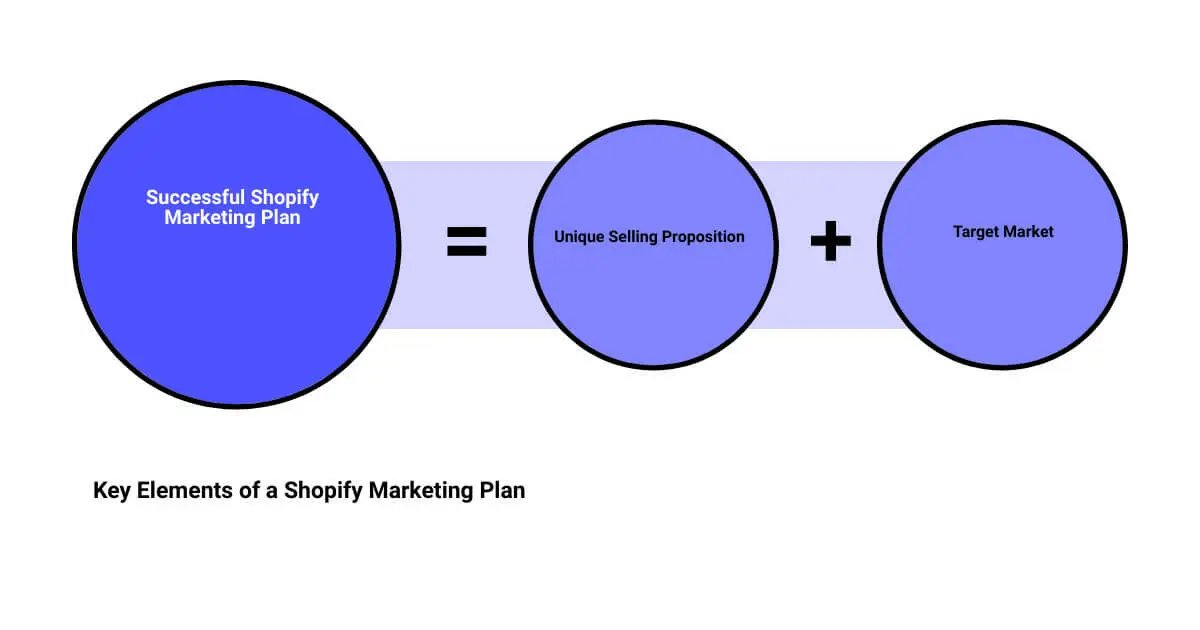

A Shopify marketing plan is the document that connects what you're selling, who you're selling it to, and which channels are actually worth your time and budget. Most stores don't fail from a lack of channels to try — Shopify alone surfaces a dozen built-in ways to reach customers before you've installed a single app. They fail from spreading a small budget across too many of them at once, with no way to tell which ones are working. This guide covers what actually belongs in a plan, how to choose channels deliberately instead of by default, and which of Shopify's native tools are worth using before you buy an app to do the same job. For a deeper look at each channel and Shopify's latest native marketing tools, see our companion guide, Digital Marketing for Shopify: 2026 Playbook.
Start with positioning, not tactics
Before picking channels, write down, in one or two sentences, why a customer should buy from your store instead of a competitor's. This isn't a tagline — it's the filter every other marketing decision runs through. If you can't say it in a sentence, every downstream decision (ad copy, email subject lines, which influencers to work with) ends up generic, because there's nothing specific to say.
Good positioning is usually built from a real constraint or advantage: faster fulfillment, a manufacturing process competitors can't match, a founder story that's actually differentiated, or a price point that only works because of how you source. Vague positioning ("quality products, great service") isn't wrong, it's just not usable — it can't tell you what to say in an ad.
Define who you're actually selling to
Skip generic personas ("Millennial Mary, 28, loves sustainability") in favor of specifics you can act on: what they were doing right before they found you, what objection stops them from buying, and where they actually spend time online. If you have order history or Klaviyo/GA4 data, use it — the actual repeat-purchase customers you already have are a better audience definition than an invented persona. If you're pre-launch, define it from the product itself: who has the problem this solves, and how urgently.
Choosing channels: map spend to the funnel, not to what's trendy
Every channel serves people at a different stage of deciding whether to buy. Picking channels without this mapping is the single most common reason a marketing budget gets spread thin without much to show for it.
- Awareness (people who don't know you yet): paid social, influencer/creator partnerships, organic content, SEO for top-of-funnel search terms.
- Consideration (people evaluating you against alternatives): retargeting ads, reviews and UGC, comparison or how-it-works content, email nurture for people who signed up but haven't bought.
- Conversion (people ready to buy): cart-abandonment flows, SMS with a clear offer, on-site urgency and social proof, checkout experience itself.
- Retention (people who already bought): post-purchase email/SMS flows, loyalty programs, replenishment reminders for consumable products.
A realistic plan usually covers all four stages lightly rather than one stage heavily — a store that only runs awareness ads with no retention flows is paying to acquire the same customer twice.
Email and SMS: usually the highest-leverage channels you already own
Unlike paid social or search, you're not renting the audience — email and SMS subscribers are yours regardless of platform algorithm changes or rising ad costs. For stores with even a modest list, automated flows (welcome series, abandoned cart, post-purchase, win-back) tend to outperform one-off campaigns on a per-send basis, because they reach someone at the moment of highest intent rather than an arbitrary broadcast time. Klaviyo's 2026 benchmark data (across 183,000+ of its customers) found flow emails generating roughly 41% of email revenue from just 5.3% of total sends, with flow click rates around 5.6% versus 1.7% for one-off campaigns — a pattern that holds even more strongly for SMS, where flows made up 7.6% of sends but 45% of SMS revenue. The practical takeaway: build the automated flows before investing heavily in one-off campaign volume.
Paid social and search
Paid channels are the fastest way to test a positioning or offer with real audience feedback, but they're the first budget line to cut waste from, since cost-per-click and cost-per-acquisition are visible in near real time. Most stores do best starting with one platform (Meta or Google, whichever matches where the target audience actually spends attention) run well, rather than a thin budget split across three or four.
Organic social, influencer/creator, and UGC
Creator partnerships and user-generated content do double duty: they produce the social proof used elsewhere (product pages, ads, email) as well as direct reach. Shopify Collabs, Shopify's built-in creator marketplace, handles the affiliate/commission mechanics of these partnerships without a separate app. Short-form video in particular — Reels, TikTok, and, increasingly, TikTok Shop's in-app checkout — has become a meaningful discovery channel for ecommerce brands; if your audience skews younger or the product photographs or demos well, it's worth testing even at small budget before scaling.
SEO and content
Content and SEO compound rather than pay off immediately — a guide or comparison page published today can still be bringing in organic traffic a year later, which paid channels can't do. It's the right investment for a brand planning to be around for years, and the wrong one for testing an offer this month.
Shopify's built-in marketing tools worth using before you buy an app
Before adding a paid app to the stack, it's worth knowing what's already included in Shopify:
- Shopify Email — native email campaigns and automations built into the admin, with free sends included up to a monthly limit depending on plan.
- Shopify Forms — free popup and inline signup forms for building an email/SMS list, with discount-code incentives and Shopify Flow automation.
- Shopify Collabs — a built-in marketplace connecting merchants with creators for affiliate and creator-led marketing, with commission tracking handled natively.
- Shop Campaigns — paid placements across the Shop app, Shop.app, and Shopify's product network, priced on conversion rather than impressions.
- Shopify Audiences — builds targeted ad-audience lists for Meta and Google from Shopify's aggregated cross-merchant purchase data. Worth flagging: this one is Shopify Plus-only, requires Shopify Payments, and is currently limited to US and Canada merchants — not something every plan tier can use.
- Shopify Inbox — live chat for the storefront, now with AI-suggested replies via Shopify Magic.
- Shopify Magic / Sidekick — the AI layer across the admin: drafting marketing emails and abandoned-cart copy, generating product descriptions, and (via Sidekick) acting as a conversational assistant for admin tasks. Useful for first drafts; still needs a human edit pass before anything customer-facing goes out.
None of these replace a dedicated platform like Klaviyo once volume and sophistication grow, but they're a reasonable starting point that doesn't add another line item before you know what you need.
A step-by-step process for building the plan
- Write the one-sentence positioning statement. If the team can't agree on it in a short meeting, that's the actual first problem to solve — not channel selection.
- Define one or two specific audience segments using real customer data where it exists.
- Map two to three channels per funnel stage from the list above — not all of them, not one of them.
- Set a 90-day plan with two or three concrete initiatives (e.g., "launch a welcome flow and abandoned-cart flow in Klaviyo," "test one Meta ad campaign against the top-selling SKU") rather than a long list that guarantees shallow execution on all of it.
- Set a budget and sanity-check it against customer lifetime value. If a customer's average lifetime value is $80, a $60 customer acquisition cost on a single-purchase product is a problem regardless of how good the ad creative is.
- Set up measurement before launch, not after — UTM tagging, a shared dashboard, and clarity on which platform's attribution is the source of truth (this matters more than it sounds, since Meta, Google, and Shopify's own analytics rarely agree exactly).
- Review monthly, revisit the plan itself quarterly. A marketing plan that never changes usually means nobody's actually looking at the results.
Common mistakes worth avoiding
- Running five channels at 20% effort instead of two at full effort. Thin coverage everywhere usually underperforms focused coverage on the channels that fit the audience and budget.
- No measurement plan before launch. Figuring out attribution after a campaign has already run means guessing at what worked.
- Copying a competitor's tactics without matching their budget or audience. A tactic that works for a brand with a 500,000-person email list and a competitor's ad budget doesn't necessarily translate at a tenth of the scale.
- Chasing vanity metrics. Impressions and follower counts feel like progress; revenue per email send, CAC, and repeat-purchase rate are what the plan should actually be judged on.
Frequently asked questions
How much should a Shopify store spend on marketing?
There's no universal percentage that fits every store, but a commonly cited starting range for early-stage DTC brands still building repeat-purchase and organic channels is roughly 10–20% of revenue, tapering down as retention and organic/owned channels (email, SMS, SEO) start carrying more of the load. The more useful number to track is CAC relative to customer lifetime value, not spend as a percentage of revenue in isolation.
What's the difference between a marketing plan and a marketing strategy?
Strategy is the reasoning — who you're targeting, how you're positioned, why those channels. The plan is the execution layer built on top of it: specific initiatives, budget, timeline, and who owns what. Skipping straight to a plan without the strategy underneath it is how teams end up running channels that don't fit the business.
Which channel should a new Shopify store start with?
Usually email and SMS capture, from day one — they're owned channels that compound in value as the list grows, and the infrastructure (Shopify Forms, Shopify Email or Klaviyo) is inexpensive to set up early. Paid acquisition can be layered in once there's a positioning and offer worth paying to test.
Do I need Shopify Plus for advanced marketing tools?
Not for most of them — Shopify Email, Forms, Collabs, Inbox, and Shop Campaigns are available on standard plans. Shopify Audiences is the notable exception: it's Plus-only, and currently limited to Shopify Payments merchants in the US and Canada.
The bottom line
A Shopify marketing plan doesn't need to be complicated to be effective — it needs a clear positioning statement, a specific audience, channels chosen deliberately against the funnel rather than by trend, and a measurement setup in place before launch, not after. Start narrow, measure honestly, and expand only once a channel is proven to work at your current budget.
First Pier is a Shopify and Shopify Plus agency in Portland, Maine, working across the platforms covered in this guide — Klaviyo email and SMS, Google Ads, and Meta Ads — alongside the Shopify builds and optimization behind them. See how these come together on the solutions page, or get in touch to talk through a plan for your store.





.png)
.png)

